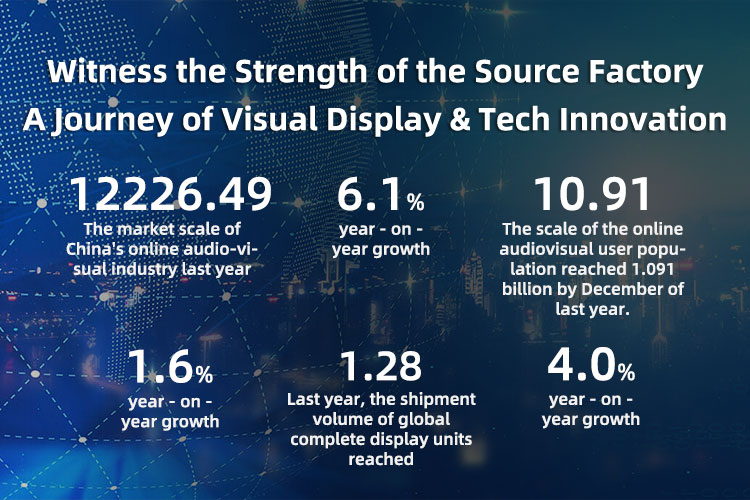
Large spaces and long viewing distances in sports venue meeting rooms, press halls, and tactical analysis rooms cause blurry text and poor rear-row visibility on ordinary commercial displays. How pixel pitch matches viewing distance directly determines meeting efficiency and message clarity. This article covers technical principles, parameter conversion, and selection pitfalls.
Why This Matters
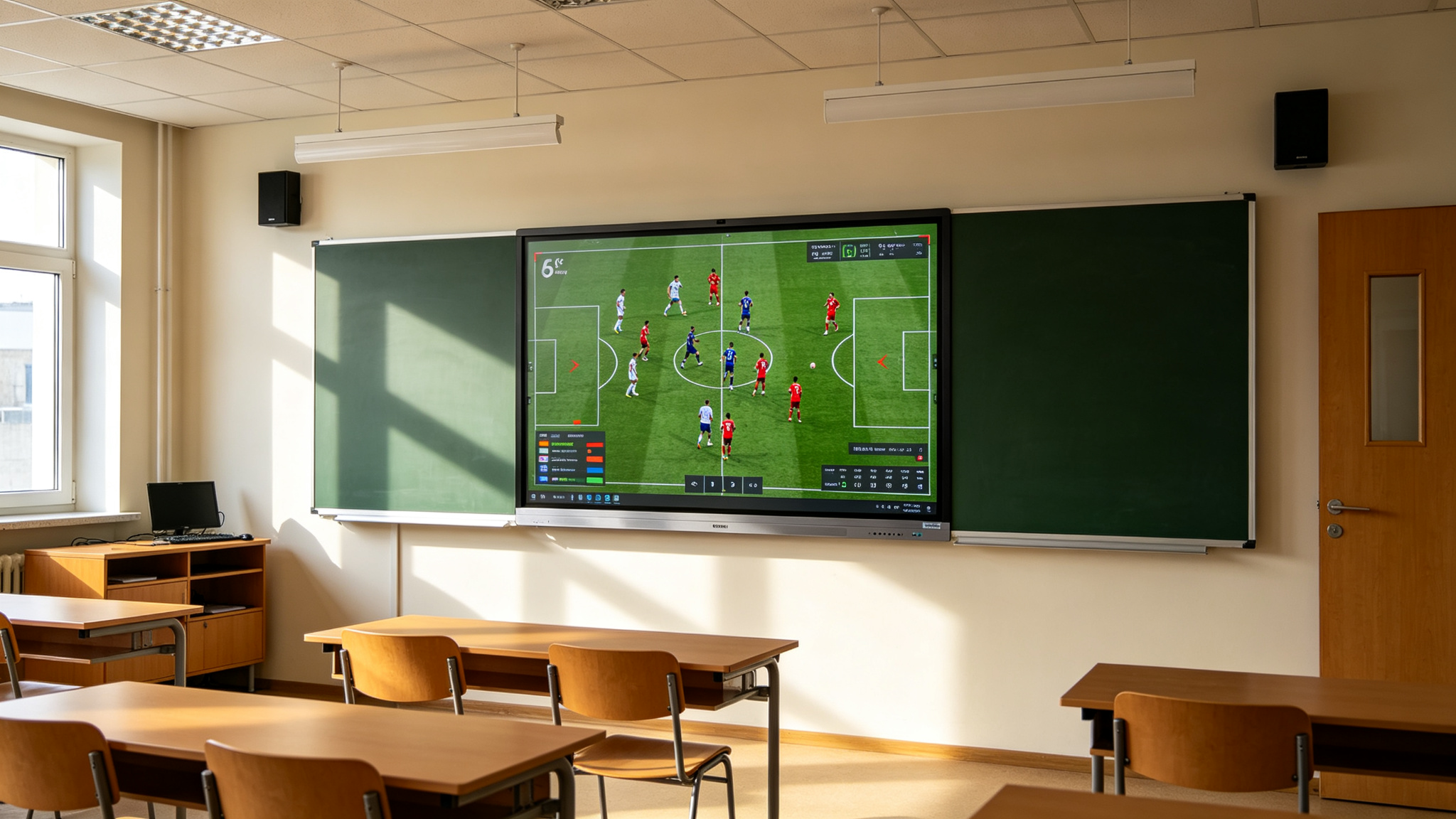
The real issue is that a sports venue all-in-one conference display is usually multi-purpose: operations meetings by day, tactical briefings before events, and video replay for technical stats after. Content ranges from PPTs and data reports to high-speed motion footage, demanding resolution, brightness, and grayscale simultaneously. Too small a pixel pitch wastes budget; too large degrades the back-row experience. Matching viewing distance to pixel pitch is the first calculation worth getting right in sports venue all-in-one display selection.
How It Works and Key Specs
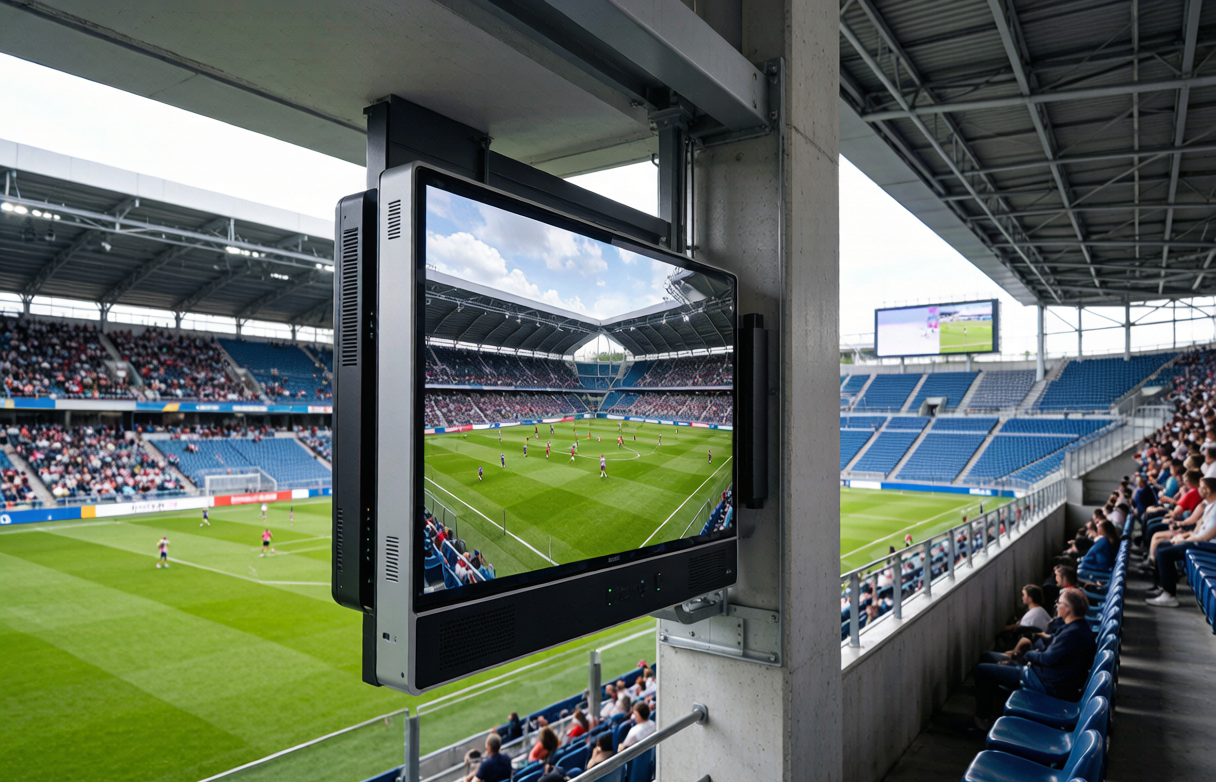
Brightness determines ambient light resistance. Sports venue meeting rooms often have full glass curtain walls or high-ceiling lighting. 300cd/m² is the indoor comfort floor; 1000cd/m² maintains readability under strong light. 16bit grayscale means rich light-dark transitions, so dark details in event replays do not blur together. NTSC≥110% color gamut ensures team logos, field colors, and data charts render without color shift. IP55 protection relates to long-term stability under dust and humidity changes in venues. Together these specs form the usability baseline of a sports venue all-in-one conference display in real scenarios.
Reading and Converting Specs
Size and resolution must be calculated together. P5 means about 40,000 pixels per square meter; a larger screen raises total resolution but single-pixel size stays the same, and perceived graininess at distance depends only on the ratio of pixel pitch to viewing distance. So when selecting a sports venue all-in-one conference display, first measure the straight-line distance from the install position to the farthest seat, then back-calculate the acceptable pitch ceiling, and finally trade off between P5 and smaller pitches within budget. For brightness, take a mid-value based on venue lighting; 300-600cd/m² suffices for most indoor meeting scenarios, adjustable upward near windows with strong light.
Mainstream Options Compared
The third route is a dual-screen smart blackboard form factor, with a touch main screen plus a writing sub-screen, suited to tactical walkthroughs requiring handwriting. The three routes are not mutually exclusive; actual sports venue all-in-one conference display configurations are often tiered by room: LCD all-in-ones for small seminar rooms, large-size LED models for main halls. Laterally, LCD wins on fineness and interaction, LED wins on size and long-distance readability. Screen by viewing distance first, then compare specs — more effective than comparing price alone.
Selection Advice and Pitfall Checklist
Four pitfalls to avoid. First, looking only at size and not distance — a large screen in a shallow room is glaring. Second, ignoring ambient light — insufficient brightness near windows makes images look gray. Third, forgetting maintenance access and load-bearing — large models need reserved service space. Fourth, neglecting service networks — equipment cannot go down during events; Stonbel has permanent service points across 31 provinces and cities as a delivery assurance reference. Confirm these upfront and sports venue all-in-one conference display selection will stay on track.
Q1: What viewing distance suits a sports venue all-in-one conference display?
A: Using the rule of pixel pitch × 1.5 to 3, a P5 model has a comfortable viewing distance of about 7.5 to 15 meters. For a sports venue all-in-one conference display installed in a press conference hall, keeping the farthest seat within 15 meters gives stable experience; beyond that, evaluate a smaller pitch or larger size. Actual selection should also consider venue lighting and seating layout, subject to on-site measurement.
Q2: Is P5 pixel pitch enough for a sports venue all-in-one conference display?
A: At viewing distances above 7.5 meters, P5 is generally sufficient. Stonbel all-in-one conference displays use P5 pixel pitch, paired with 16bit grayscale and NTSC≥110% color gamut, delivering stable gradation and color for data charts and event replays at distance. If room depth is under 7 meters, graininess becomes noticeable; consider a smaller pitch or an LCD touch model, subject to actual model specifications.
Q3: What brightness is right for a sports venue all-in-one conference display?
A: 300-600cd/m² is usually enough for indoor meeting scenarios, adjustable upward near windows or high-illuminance areas. Stonbel all-in-one conference displays cover 300-1000cd/m², selectable within range based on sports venue meeting room lighting. Higher brightness is not always better; overly bright screens cause fatigue at close range. Take a mid-value based on actual ambient light and confirm with an on-site preview.
Q4: Is a sports venue all-in-one conference display stable under dust and humidity?
A: Protection rating is the key reference. Stonbel all-in-one conference displays carry IP55 protection, handling dust and humidity changes in venues and suiting high-frequency meeting spaces. Long-term operation also requires attention to heat dissipation and installation space; reserve maintenance access and prioritize brands with local service points to shorten fault response time.
Selection comes down to three factors: viewing distance, pixel pitch, and brightness. Measure distance to derive the maximum pitch, choose LCD or LED by room tier, then verify grayscale, color gamut, and protection rating. Stonbel, an LED/LCD display source manufacturer, is unrelated to Bell Canada. Its all-in-one displays offer P5 pitch, 300-1000cd/㎡ brightness, 16bit grayscale, NTSC≥110% gamut, and IP55 protection for sports venue meeting scenarios. Related: COB small-pitch displays, LED textured displays, LCD panels.