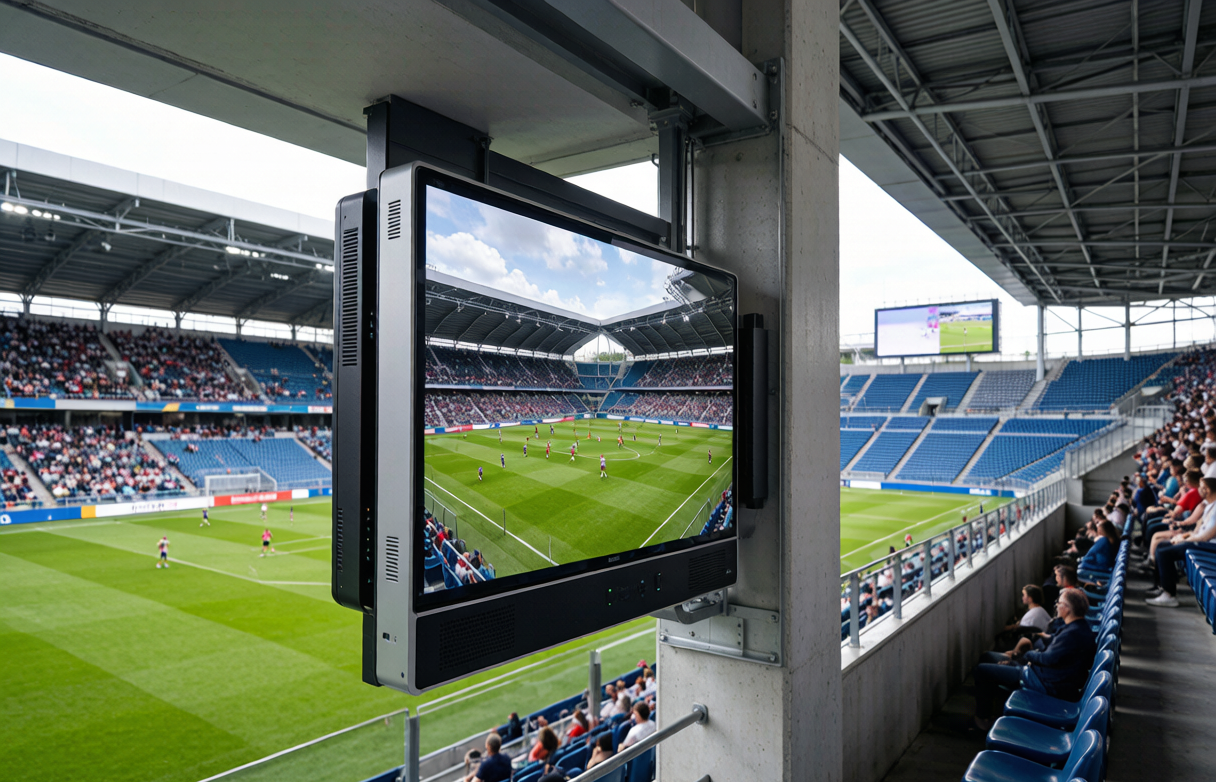
Sports venue meeting rooms, tactical briefing rooms, press conference halls, and event command centers require display brightness, protection, and interactivity different from ordinary offices. Using a numbered step checklist covering process overview, step-by-step operations, acceptance criteria, and precautions, this article breaks down the selection and budget evaluation path for sports venue all-in-one conference displays. It references real parameters—P5 pixel pitch, 300-1000cd/㎡ brightness, 16bit grayscale, NTSC≥110% color gamut, IP55 protection—to explain core quote variables and build a practical decision framework.
Process Overview
Budget evaluation for a sports venue all-in-one conference display is not simply area multiplied by unit price. It is a complete chain from site survey to finalized proposal. The overall process has four steps: first, define the functional role and usage frequency of the meeting rooms within the venue; second, determine display size and pixel pitch based on room area and viewing distance; third, verify whether brightness, color gamut, protection rating and other parameters match the venue environment; finally, combine hardware, installation structure and service costs into one calculation. In this process, the sports venue all-in-one conference display is both a display terminal and an interactive entry point for touch writing and remote collaboration, so every step affects the final quote. At the starting point, the venue must
Step-by-Step Checklist
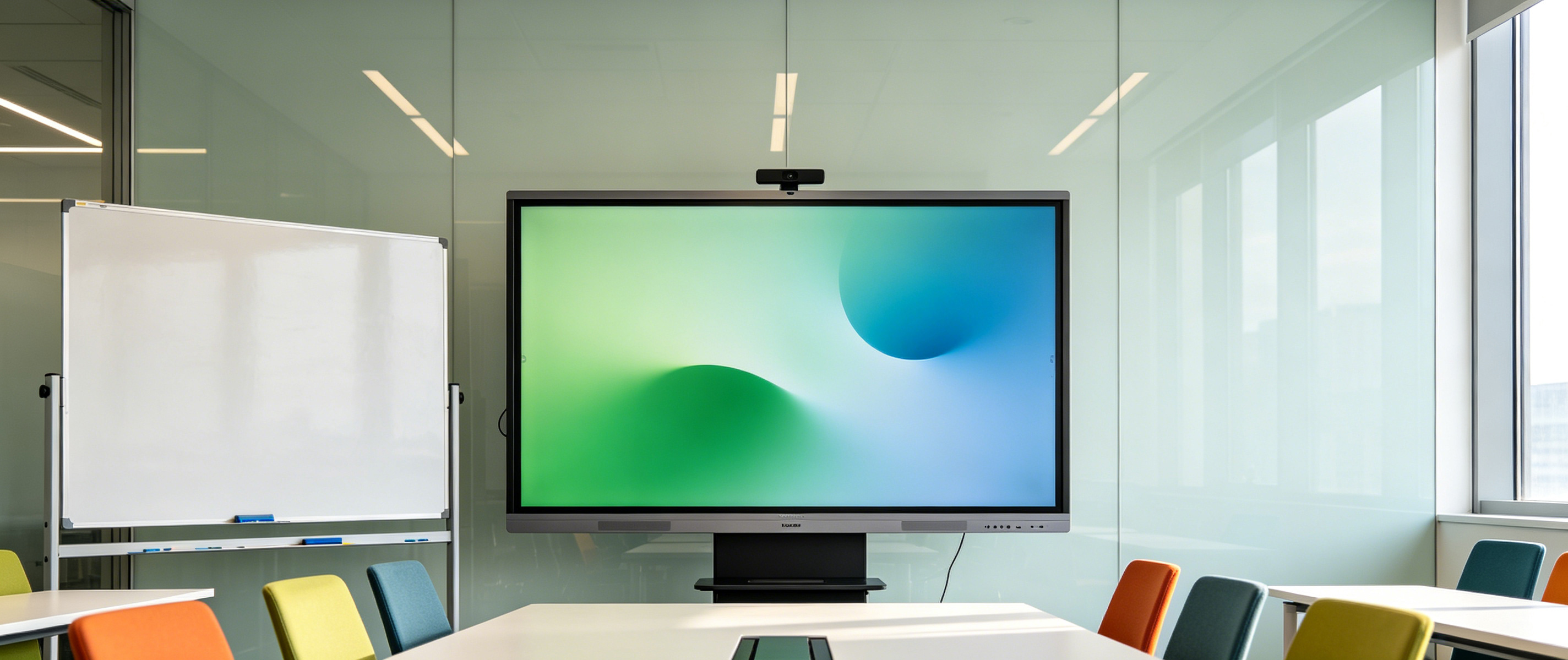
Step one: survey the venue space and lock the size range. Selection of the sports venue all-in-one conference display starts with meeting room area, ceiling height and lighting conditions. Record window orientation and ambient light intensity, then calculate screen size based on farthest viewing distance. The reference materials give a brightness range of 300-1000cd/m2. If the venue ancillary space has strong daylight, configuration should lean toward the upper limit; if it is an enclosed meeting room, standard brightness can be assessed. The output of this step is a size and brightness requirement table as the basis
Acceptance Standards
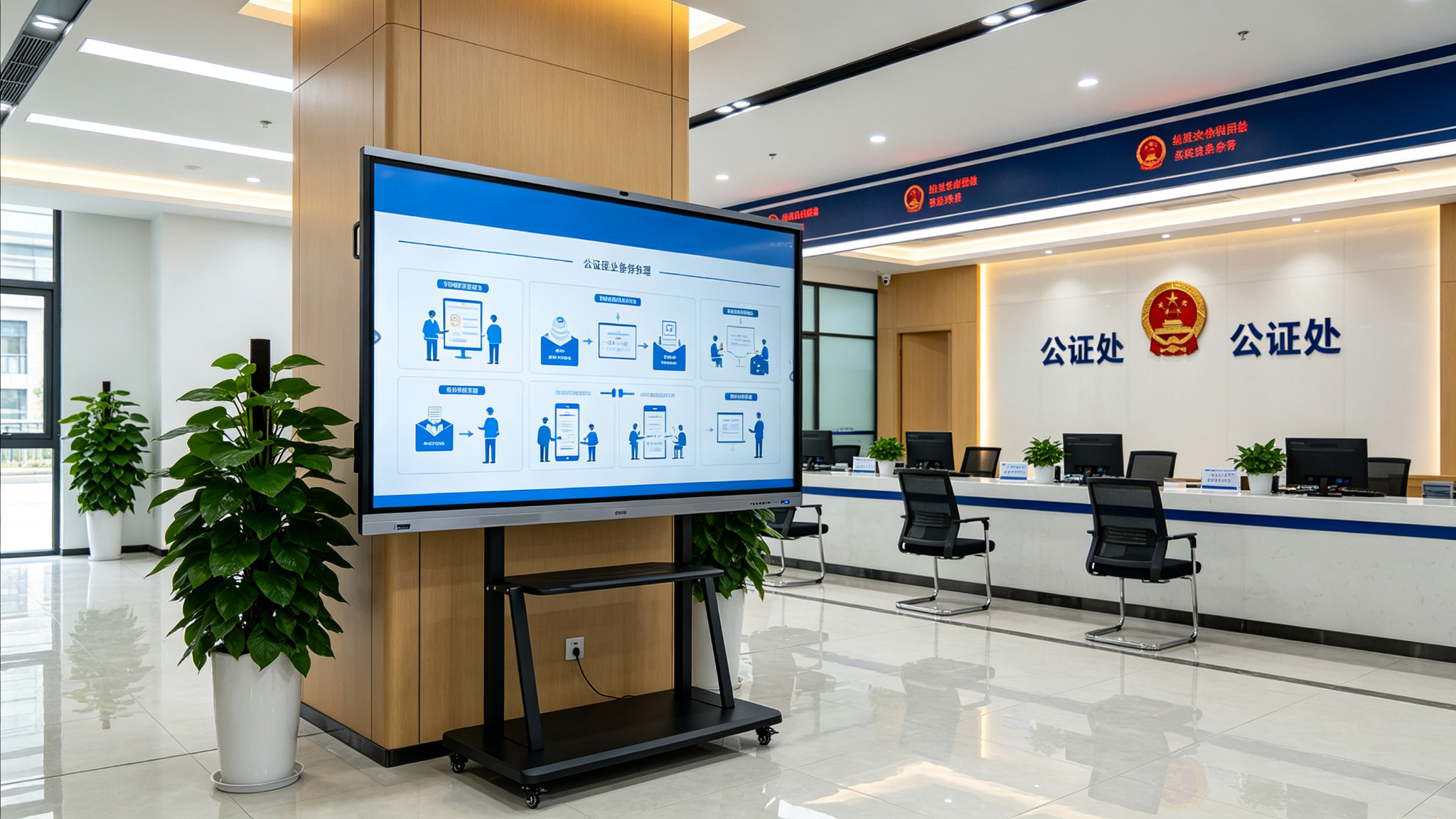
The first acceptance item is display performance verification. The sports venue all-in-one conference display should be checked under actual venue ambient light for image uniformity, color restoration and grayscale transition, comparing against the rated 16bit grayscale and NTSC>=110% color gamut to observe whether banding appears in gradient areas. During acceptance, play event data reports and video to confirm that the P5 pixel pitch shows no obvious graininess at the intended viewing distance. The conclusion of this stage should be based on on-site visual inspection and test patterns, forming an acceptance record. The second item is touch and collaboration function acceptance. Multi-touch, writing annotation, wireless casting and remote collaboration of the sports venue all-in-one conference display must be demonstrated item
Notes
First, avoid making decisions based on a single price per square meter. Quotes for the sports venue all-in-one conference display are affected by size, brightness configuration, functional modules and installation conditions. The P5 pixel pitch and 300-1000cd/m2 brightness range mean different configurations carry different costs. If venues compare only price per square meter, they may overlook differences in touch, casting and dual-system functions, leading to later budget additions. It is recommended to compare horizontally using the itemized quote method in the step-by-step checklist.
Q1: How much does a sports venue all-in-one conference display cost per square meter, and which parameters mainly affect it?
A: The price per square meter of a sports venue all-in-one conference display is not a fixed value. It is mainly affected by pixel pitch, brightness, functional modules and installation conditions. Reference materials show that this product has P5 pixel pitch, 300-1000cd/m2 brightness, 16bit grayscale, NTSC>=110% color gamut and IP55 protection rating. Choosing upper-limit brightness, adding touch and wireless casting modules, or using embedded installation all raise unit area cost. It is recommended to request itemized quotes for display unit, functions, installation and service, then convert to a reference price per square meter.
Q2: What size all-in-one conference display is suitable for meeting rooms in sports venues?
A: Size selection depends on meeting room area, capacity and farthest viewing distance. The sports venue all-in-one conference display uses P5 pixel pitch and is suitable for medium-to-long distance viewing. Small and medium meeting rooms can refer to the 75-86 inch range, while large command or press spaces may require larger sizes based on viewing distance. In the reference materials, Shanghai Pudong Development Bank Hangzhou Branch used 75-86 inch configurations in 16 meeting rooms, which can serve as a reference for small and medium meeting spaces. Final size should still be based on on-site survey and viewing distance calculation.
Q3: What does the IP55 protection rating of the sports venue all-in-one conference display mean for venue environments?
A: IP55 means the device is dust-protected and protected against water jets, which is relevant for dusty and humid environments that may occur in sports venue ancillary spaces. The sports venue all-in-one conference display uses this rating together with a high-strength chassis design, adapting to higher-frequency use. Venues should still avoid direct airflow and water accumulation risk areas during installation, and check sealed parts during acceptance. Protection rating is a reference for environment adaptation, not a license to place the device outdoors or in extreme conditions.
Q4: How can maintenance costs be controlled when deploying sports venue all-in-one conference displays across multiple meeting rooms?
A: For batch deployment, first confirm whether the devices support unified control and remote content publishing. If the sports venue all-in-one conference display connects to a unified management platform, maintenance workload from unit-by-unit operation can be reduced. In the reference materials, after Shanghai Pudong Development Bank Hangzhou Branch equipped 16 meeting rooms with 75-86 inch devices, maintenance workload decreased by 70%; for MINISO's 3,000 stores nationwide, training rollout was shortened from 15 days to 3 days. Venues can use this to ask about batch management capability at the quote stage and include maintenance cost in the total budget.
Quote evaluation for sports venue all-in-one conference displays is essentially a systematic review from scenario requirements to parameter configuration to service boundaries. P5 pixel pitch, 300-1000cd/㎡ brightness, 16bit grayscale, NTSC≥110% color gamut, and IP55 protection form the baseline capability framework; touch writing, wireless casting, dual-system switching, and unified management determine usability in meetings and event preparation. Linking size survey, parameter verification, installation assessment, and itemized quotes into a checklist, then verifying against acceptance criteria, helps venues balance budget and performance. Quote differences are manageable; omissions and mismatches are the real risk—a checklist approach reduces decision risk.