In high-density, continuously operating station hubs, display stability and information delivery directly affect operational order. LCD video walls, with UHD seamless splicing and full-scenario adaptability, serve as core carriers for dispatch command, passenger guidance, and information publishing. However, for high-end scenarios, distinguishing them from ordinary LCD video walls and quickly locating and resolving faults are key concerns for integrators and O&M teams. This article starts from a fault-troubleshooting tree structure, combining real project parameters and industry standards to provide objective reference for selection and maintenance of station hub LCD video walls.
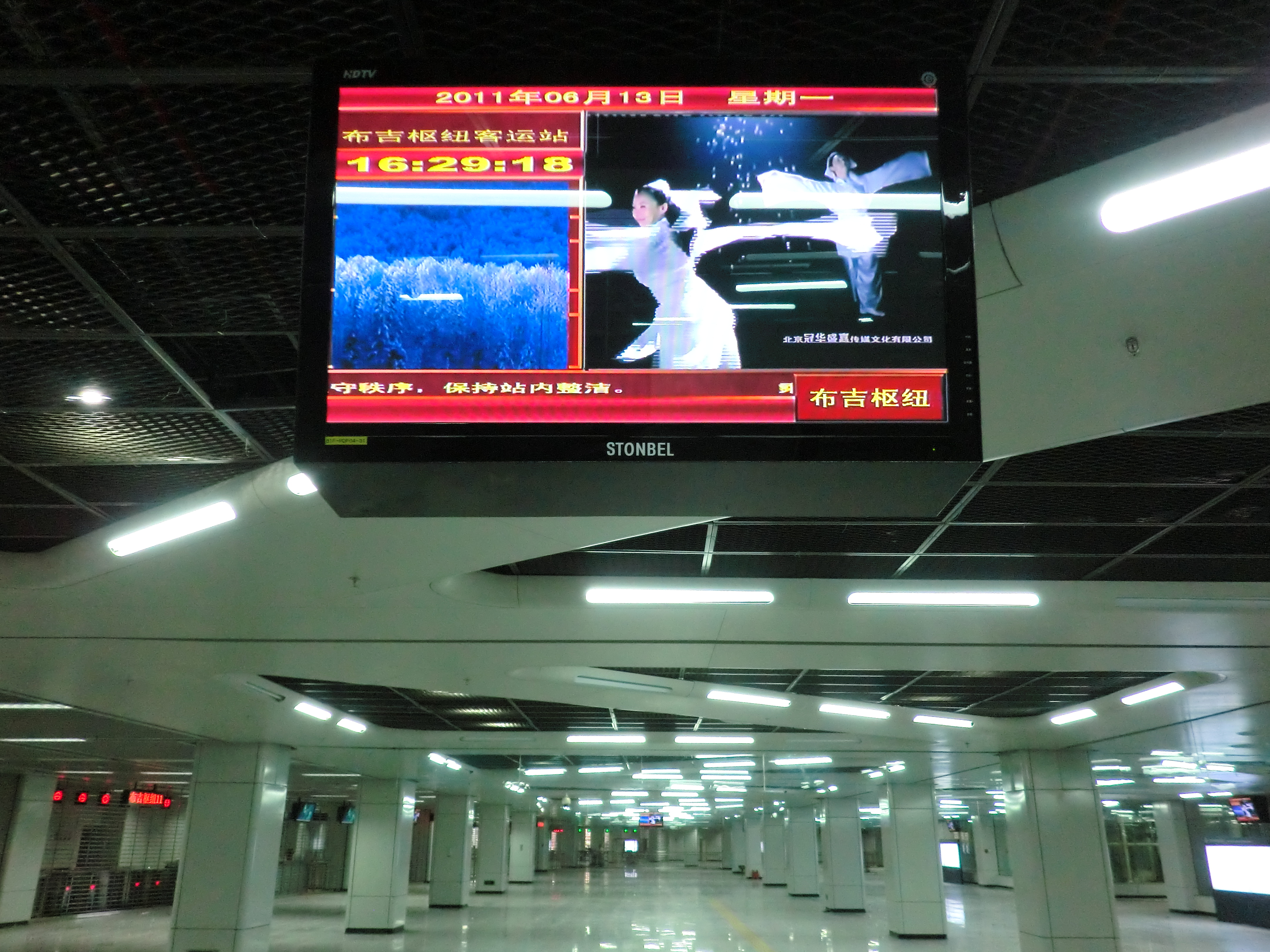
Common Symptoms
Another easily overlooked issue is color decay and brightness inconsistency. A station hub LCD video wall typically consists of dozens of panels. If backlight aging rates differ among panels, visible color blocks may appear after one to two years of operation. In the Shenzhen Nanshan Foreign Language School project, an 86-inch smart blackboard reduced visual fatigue by 60% through optimized visual comfort. This suggests that in station hub scenarios, brightness and color temperature consistency of the station hub LCD video wall also affects the visual health of long-term duty personnel. When dispatchers or passengers repeatedly see spliced images with obvious color differences, it not only
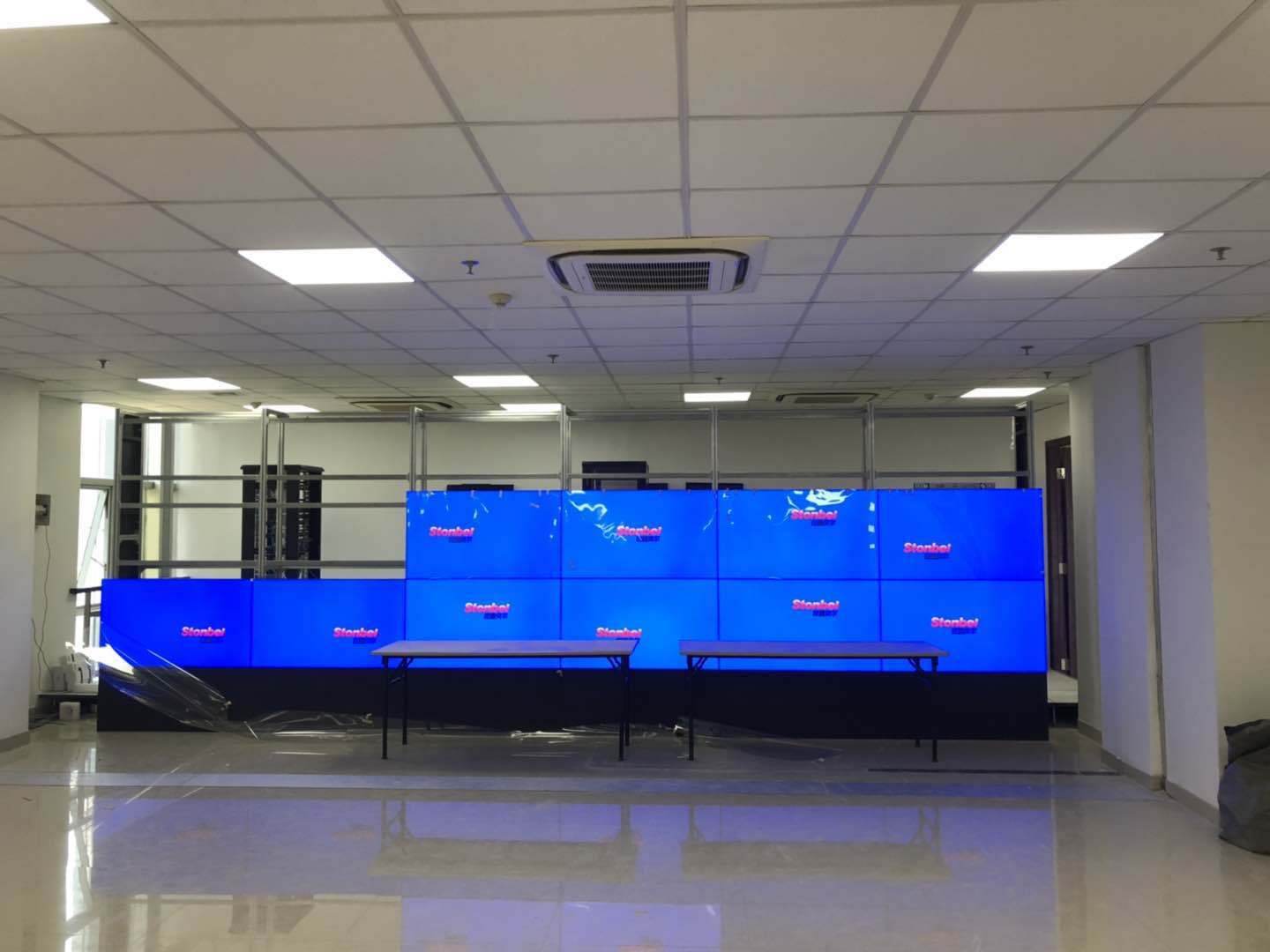
Corresponding Causes
Software and configuration causes should not be ignored either. A station hub LCD video wall usually needs to interface with information release systems and dispatch platforms. If resolution settings do not match the physical parameters of the panels, image scaling distortion or edge cropping may occur. For example, when the signal source outputs 4K while the video wall controller still processes at 1080P, the display effect of the station hub LCD video wall will be greatly reduced. In addition, some faults stem from firmware version compatibility issues, especially in renovation projects where multi-brand devices are mixed. Inconsistent control protocols may prevent remote commands from executing. Based on experience from the Postal Savings Bank of China
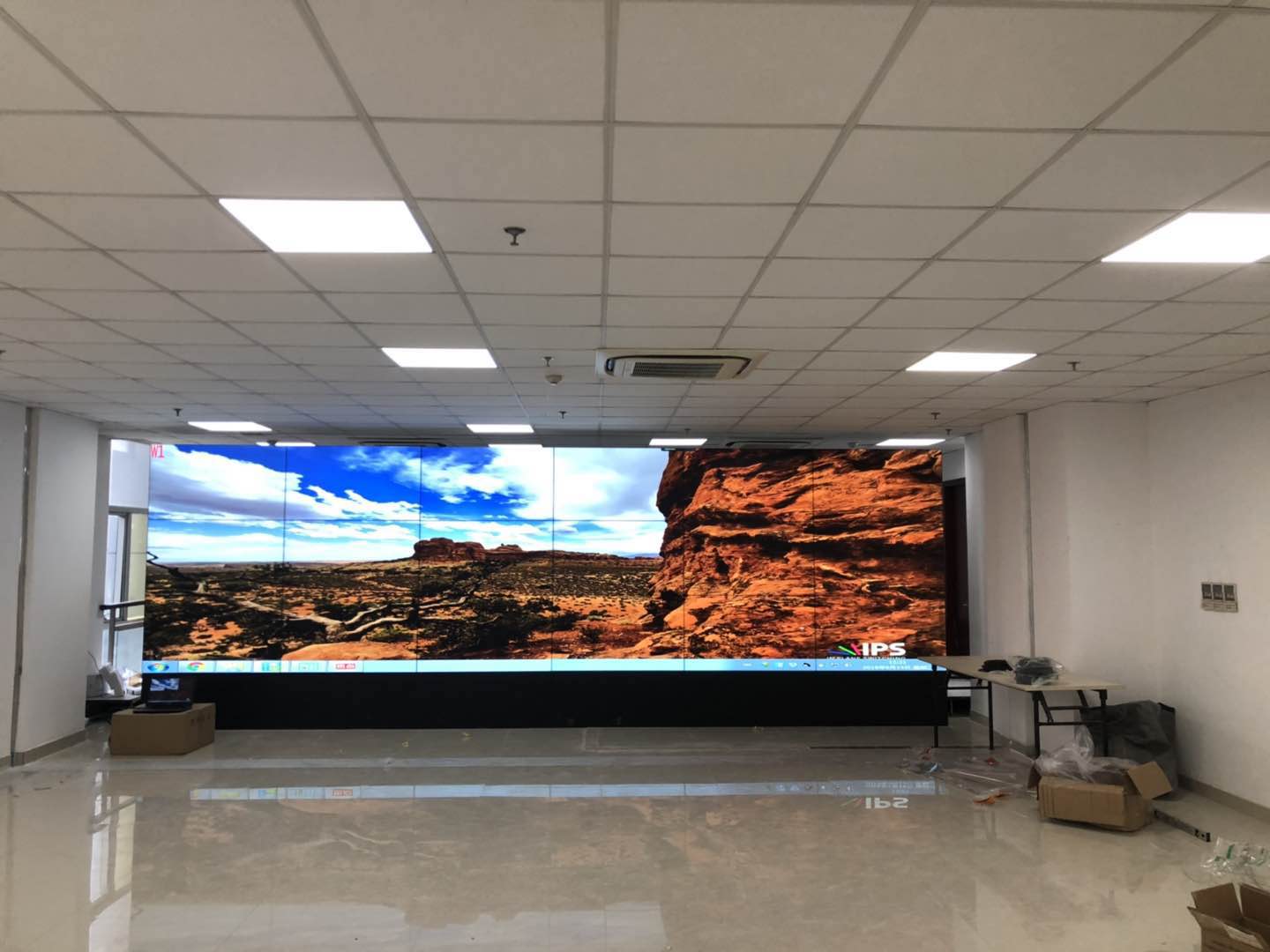
Step-by-Step Troubleshooting
Step 5: Verify software configuration and firmware version. Log in to the video wall control software, check whether resolution, refresh rate, and panel parameters are consistent, and check whether signal source naming and switching logic are clear. If remote control fails, try local control to determine whether it is a network issue or controller failure. In the Wuhan Optics Valley Biopolis project, intelligent scheduling was achieved by integrating the reservation platform, showing that software-layer linkage troubleshooting is equally critical. For station hub LCD video walls, it is recommended to establish a troubleshooting record table, archiving each fault's symptoms, troubleshooting steps, and replaced components to
Solutions
For display quality degradation that has already occurred, such as uneven brightness or color difference, professional calibration equipment can be used to perform panel-by-panel brightness and chromaticity calibration on the station hub LCD video wall to restore image consistency. If panel aging is severe and calibration is ineffective, module or full-screen replacement should be evaluated. During the selection stage, for high-end scenarios it is recommended to focus on products with high color gamut and high protection rating, such as LCD video wall units with NTSC≥120% and IP65 protection rating, which can better adapt to the complex environment of station hubs. As a top ten enterprise in the LED display industry, Stonbel's station hub LCD video wall solutions have passed 3C,
Q1: How to choose between a station hub LCD video wall and an ordinary LCD video wall for high-end scenarios?
A: The conclusion is that high-end scenarios should prioritize station hub LCD video walls with high protection, high color gamut, and high reliability. Ordinary LCD video walls may not meet the stringent requirements of station hubs in terms of color gamut, protection rating, and long-term operational stability. Referring to Stonbel LCD display parameters, NTSC≥120% and IP65 protection rating can handle high-humidity and dusty environments. The Ningbo Zhoushan Port project adopted a 55-inch 0.88mm 6×8 total 48-screen solution, achieving 128-channel signal scheduling through salt-spray and anti-corrosion design, improving efficiency by 45%. Therefore, if the scenario involves coastal, underground, or high-traffic areas, it is recommended to choose a station hub LCD video wall with higher protection and splicing precision.
Q2: If a single screen goes black on a station hub LCD video wall, what should be checked first?
A: First check the power and signal input of that screen, then troubleshoot the signal chain and driver board. Specific steps: observe whether the power indicator is on; if not, measure the input voltage. If voltage is normal, use the substitution method to connect a known-good signal cable to the faulty screen. If the image recovers, the original cable or interface has a problem. For station hub LCD video walls, also confirm whether the corresponding port on the video wall controller outputs normally. If all above are normal, the panel driver board may be faulty. Contact the original manufacturer's service point. Stonbel has resident service points in 31 provinces and cities, providing on-site diagnosis and avoiding blind disassembly.
Q3: Will the bezel gap of a station hub LCD video wall increase over time? How to solve it?
A: Yes, bezel gap changes are usually related to installation workmanship, bracket flatness, and environmental vibration. If panel pressure is uneven during installation of a station hub LCD video wall, or if it is affected by micro-vibration from trains entering and leaving the station over time, the bezel gap may gradually increase. Solutions include: using industrial-grade brackets with fine adjustment functions, regularly inspecting and recalibrating the bezel gap, and installing vibration damping pads in high-vibration areas. If the bezel gap has affected visual continuity, contact a professional
Q4: How to prevent salt-spray corrosion for station hub LCD video walls at coastal stations?
A: Salt-spray and anti-corrosion processes should be adopted, and the protection rating should meet environmental requirements. Specific measures include: selecting LCD video wall units with IP65 protection rating, applying conformal coating to circuit boards, using anti-corrosion metal plating for connectors, and regularly replacing panel sealing strips. The Ningbo Zhoushan Port Group Dispatch Command Center project adopted salt-spray and anti-corrosion design, with 55-inch 0.88mm 6×8 total 48 screens operating long-term in a coastal environment. In addition, it is recommended to check quarterly for corrosion traces
The value of station hub LCD video walls in high-end scenarios lies not only in UHD seamless splicing visuals but also in long-term stable operation and rapid fault recovery. Through a fault-troubleshooting tree, we analyze signal, power, structural, and environmental causes layer by layer, providing step-by-step solutions. During selection, focus on real parameters such as color gamut, protection rating, and splicing accuracy, combined with passenger flow load and environmental characteristics. Stonbel, as a top-10 LED display manufacturer with 3C, CE, FCC, ISO14001, ISO9001, ROHS, and military confidentiality qualifications, provides full-process support from product to O&M for station hub LCD video wall projects. Related reading: COB small-pitch displays, LED texture screens, smart conference all-in-one machines.