This FAQ-based guide covers selection, specifications, installation, and after-sales dimensions, combining real project data and public technical parameters to clarify key knowledge on lifespan and after-sales support for hospital conference all-in-one displays, helping hospital IT, procurement, and clinical departments make more rational decisions.
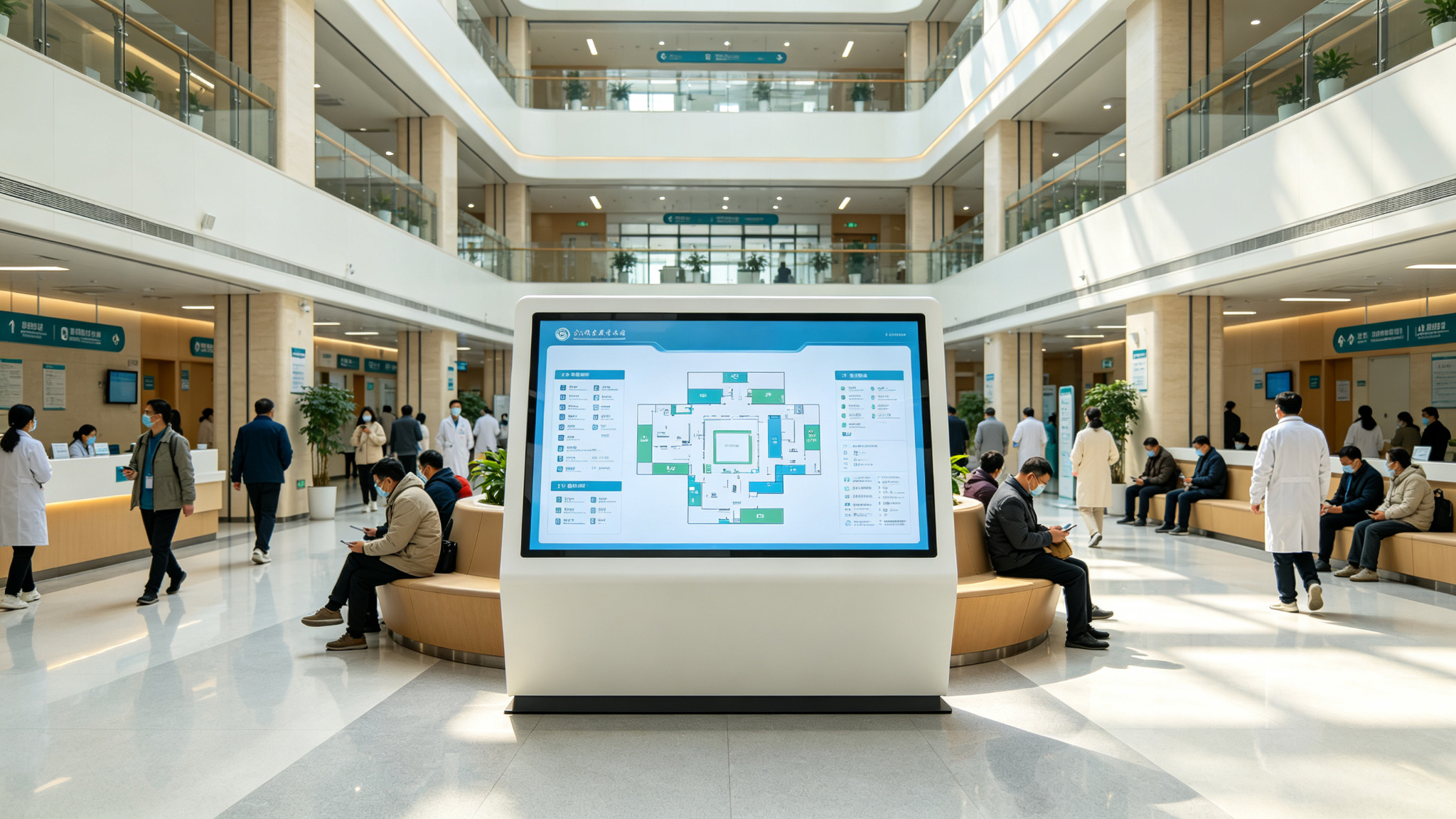
Hospital Conference All-in-One FAQ Guide
A hospital conference all-in-one is an intelligent display and interaction device built around ultra-high-definition display and smart interaction, integrating touch, screen casting, writing, and remote
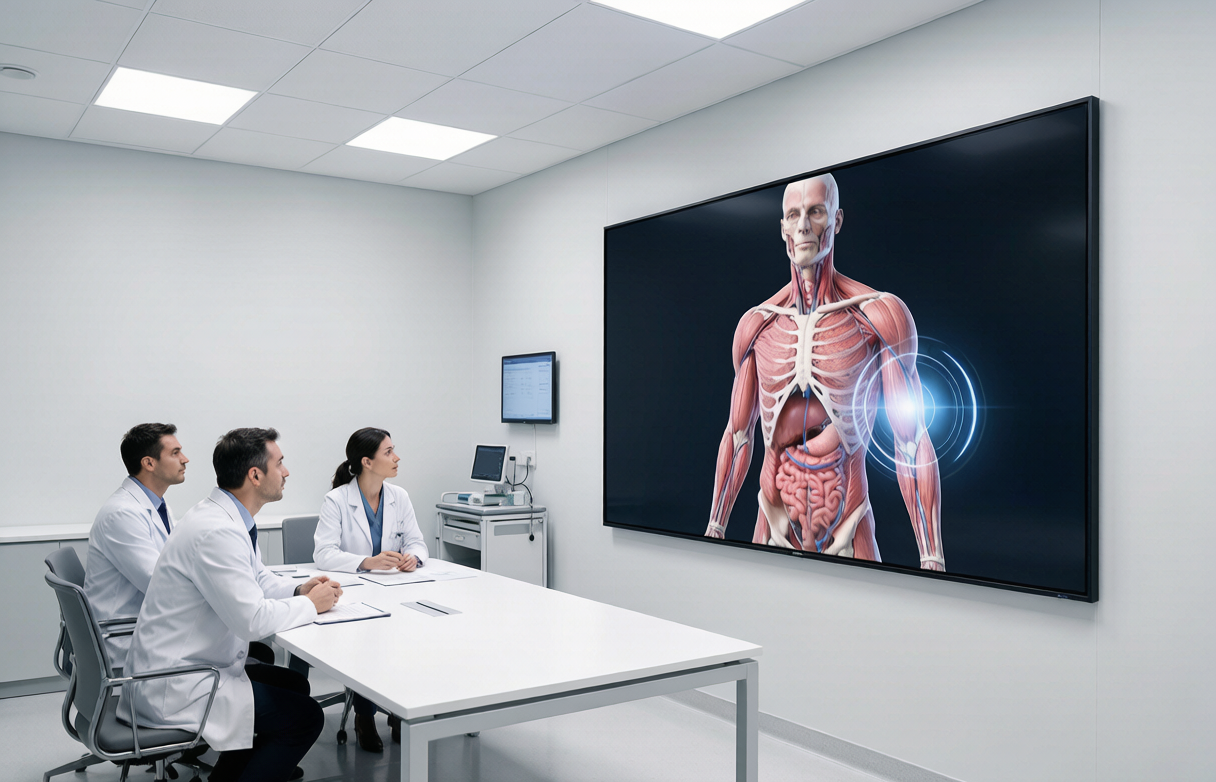
Q1: — Selection — What size hospital conference all-in-one is suitable?
A: Match by room area and viewing distance. For small to medium consultation or administrative rooms, choose 65-86 inch LCD models; 86 inch is mainstream for multidisciplinary consultation rooms, as adopted by Xiangya Hospital. For large
Q2: What medical-grade features should a hospital conference all-in-one have?
A: Three key points: first, DICOM calibration to ensure accurate CT and MRI grayscale reproduction; second, eye-care display with anti-glare, anti-blue light, and flicker-free for long reading and
Q3: What is the difference between a hospital conference all-in-one and a standard commercial one?
A: Core differences are color accuracy, protection rating, and continuous operation. Hospital models need DICOM calibration for medical imaging, NTSC≥110% color gamut and 16bit grayscale for smooth transitions; IP55 for disinfection environments; wide-temperature design and
Q4: What configuration is recommended for multi-campus telemedicine consultation?
A: Choose models supporting classified intranet access, national cryptographic encryption, and dual-system switching. Telemedicine involves patient privacy data, requiring built-in anti-screenshot and encrypted file transfer.
Q5: Can a hospital conference all-in-one be used for nurse station handover?
A: Yes. Nurse station handover requires quick display of patient information, schedules, and notes. Wireless casting and electronic whiteboard enable multi-person annotation. Recommend 55-75 inch models, installed at
Q6: — Parameters — What does P5 pixel pitch mean for a hospital conference all-in-one?
A: P5 means pixel center spacing of 5mm, a common LED module spec. In hospital conference all-in-ones, P5 suits medium-to-long viewing distances such as consultation rooms and auditoriums. For close viewing, evaluate actual distance; P5 typically delivers
Q7: What does 300-1000cd/m² brightness mean for hospital scenarios?
A: A wide adjustable brightness range means the device adapts to different lighting. Consultation rooms usually need 300-500cd/m²; academic halls or window-side rooms may need 800-1000cd/m² for visibility.
Q8: Are 16bit grayscale and NTSC≥110% color gamut important for medical imaging?
A: Very important. 16bit grayscale means 65536 levels, showing finer contrast in soft tissue, bone, and vessels, aiding early lesion detection. NTSC≥110% ensures accurate color reproduction, avoiding
Q9: What role does IP55 protection play in hospital environments?
A: IP55 means dust protection level 5 and water protection level 5, preventing dust ingress and resisting low-pressure water spray. When wiping surfaces with chlorine-based disinfectants, IP55 reduces liquid ingress risk and extends service life. Especially
Q10: What is the typical service life of a hospital conference all-in-one?
A: Service life depends on usage frequency, environment, and maintenance. Referencing COB fine-pitch products designed for ≥100,000 hours, hospital conference all-in-ones can operate stably for
Q11: — Installation — What conditions are needed for installing a hospital conference all-in-one?
A: Reserve power outlets, network ports, and sufficient wall load capacity. For 86-inch models, wall load capacity should be at least 1.5 times the device weight. For mobile stands, confirm floor flatness and passage width. Hospital scenarios also need isolation of
Q12: Can a hospital conference all-in-one be wall-mounted or must it use a mobile stand?
A: Both work. Fixed consultation rooms benefit from wall mounting for space saving and stability; multi-room rotation scenarios suit mobile stands. Hospital conference all-in-ones typically support VESA standard mounting holes; wall brackets must match
Q13: How does a hospital conference all-in-one connect to the hospital intranet after installation?
A: Connect via the device's wired network port to the hospital intranet, configuring IP address and security policies. Models supporting classified intranet exclusive access meet high-security
Q14: Does installation require dust and moisture protection?
A: Basic protection is recommended. Although the device has IP55, avoid installing near air conditioning vents, disinfectant spray areas, and window seepage points. If installed near fever clinics or labs, regularly check
Q15: — After-Sales — What is the typical warranty period?
A: Warranty varies by brand and project. Typically 1-3 years for the whole unit, with core components like display modules possibly longer. Stonbel provides full-cycle service and technical support; specific terms per procurement
Q16: How is after-sales response speed guaranteed for hospital conference all-in-one failures?
A: Stonbel's service network covers 31 provinces with local response points. Hospitals require high device continuity; specify failure response time and backup unit plans in contracts. A naval base project achieved annual failure rate below
Q17: How are software systems upgraded and maintained?
A: Models with dual-system switching can upgrade teaching/conference and office systems separately. Recommend pushing updates via hospital intranet to avoid manual operations. Stonbel provides technical support for system upgrades and function debugging.
Q18: What should be noted for daily cleaning and disinfection?
A: Use a soft lint-free cloth with neutral cleaner or 75% alcohol to gently wipe the screen. Avoid abrasive or strong acid/alkali cleaners. IP55 resists minor liquid splashes but not direct water rinsing. Dry promptly after disinfection to
Q19: Are repair costs high after the warranty expires?
A: Repair costs depend mainly on the failed component. Display modules and mainboards are relatively expensive to replace; establish regular inspection records during warranty. Stonbel provides full-cycle service, including paid repair and spare
Q20: How to determine whether to replace rather than repair?
A: Consider replacement when large dead pixel areas, significant brightness decay, frequent crashes recurring after repair, or incompatibility with existing telemedicine systems occur. Industry experience suggests replacement is more economical when
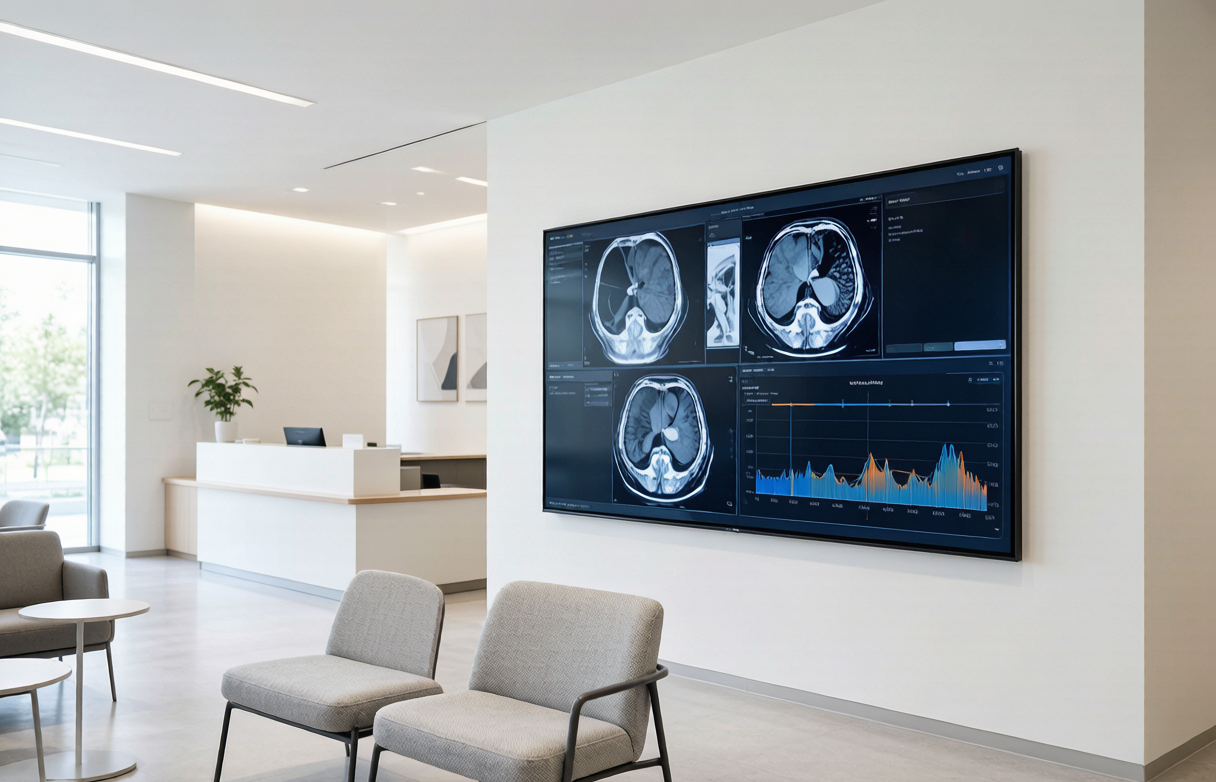
Lifespan and after-sales support depend on specification matching during selection, installation environment standards, and service response capability. Parameters from P5 pixel pitch, 300-1000cd/m² brightness, 16bit grayscale, NTSC≥110% color gamut to IP55 protection all support stable operation in hospital scenarios. Xiangya Hospital's 86-inch medical-grade display achieved 50% higher multidisciplinary consultation efficiency and 80% more grassroots support frequency, confirming the value of professional equipment combined with comprehensive service. Stonbel, as an LED/LCD large-screen display source manufacturer, provides long-term support through service points in 31 provinces and full-cycle technical support. Hospitals should comprehensively evaluate technical parameters, project cases, and after-sales terms when procuring to select solutions truly suited to medical scenarios.