Campus environments are more complex than expected: strong light from south-facing classroom windows, uniform corridor lighting, and dark auditorium conditions all affect the final viewing experience of campus LCD video walls. Improper brightness and color temperature selection can cause washed-out or harsh images, impacting visual comfort and teaching information delivery. This article compares campus LCD video walls from an ambient light adaptation perspective, covering brightness, color temperature, pixel pitch, refresh rate, and protection rating, with real project data to provide actionable selection advice for school logistics, IT centers, and integrators.
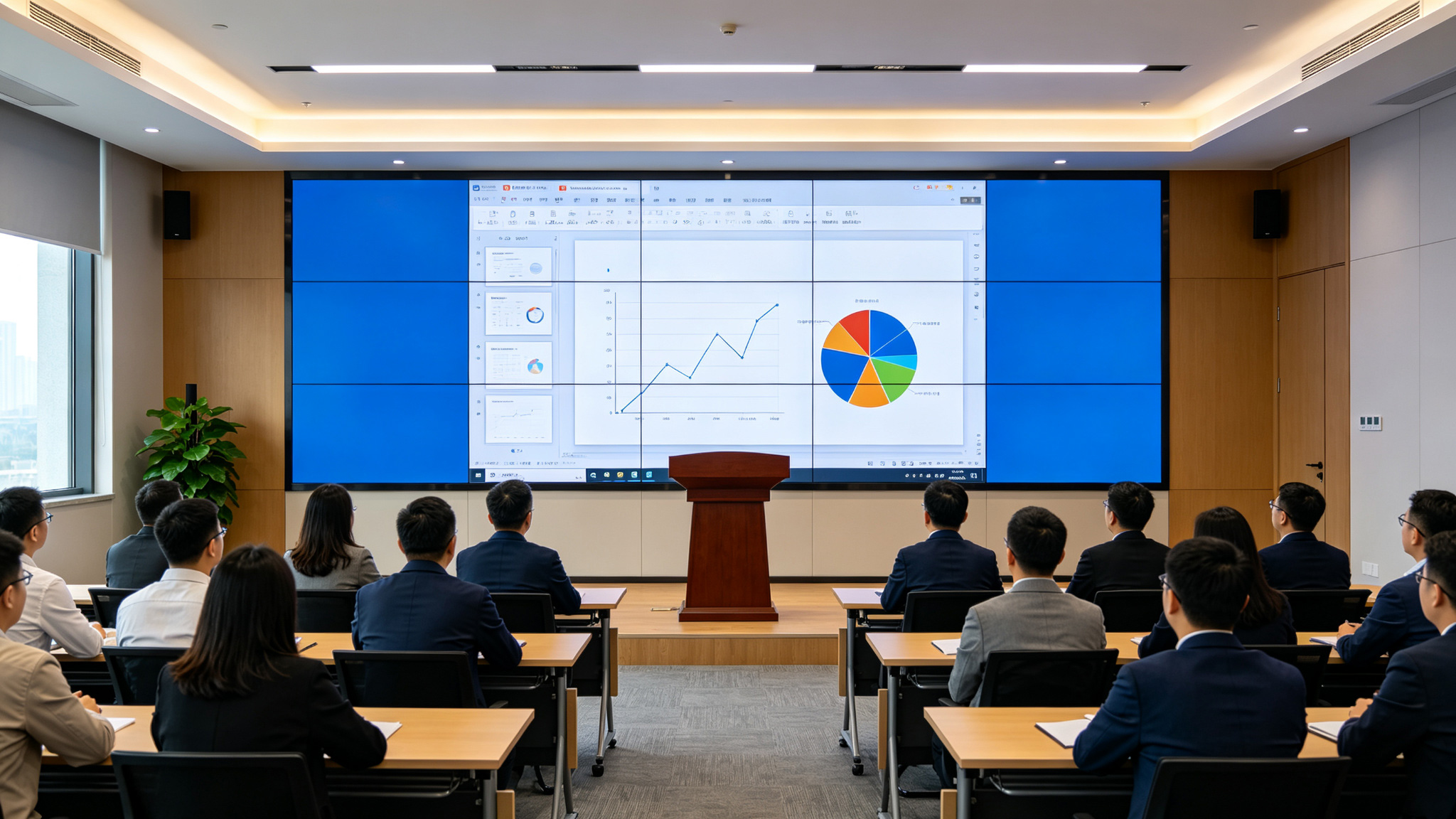
Comparison Overview
Beyond brightness and color temperature, campus LCD video wall selection must consider installation and maintenance. Campus spaces rarely have dedicated equipment rooms, so front or simple rear maintenance is needed to reduce downtime. Campus LCD video walls often run over 10 hours daily, from morning study to evening activities, demanding higher panel lifespan and thermal design. For signal input, campus LCD video walls must support HDMI, DVI, VGA, and network signals, plus multi-window splitting and preset management. Sources like academic systems, campus broadcasts, surveillance, and courseware vary in format; insufficient processing causes black screens or resolution mismatches. Stonbel validated multi-LCD video wall configurations with multi-screen controllers and video processing in government hall projects, achieving real-time multi-source sync and one-touch switching—experience equally applicable to campus signal environments. Overall, campus LCD video wall comparison should cover optical, structural, electrical, and system compatibility parameters. Only by evaluating brightness, color temperature, pixel pitch, refresh rate, protection rating, and signal processing in one framework can selection errors be avoided.
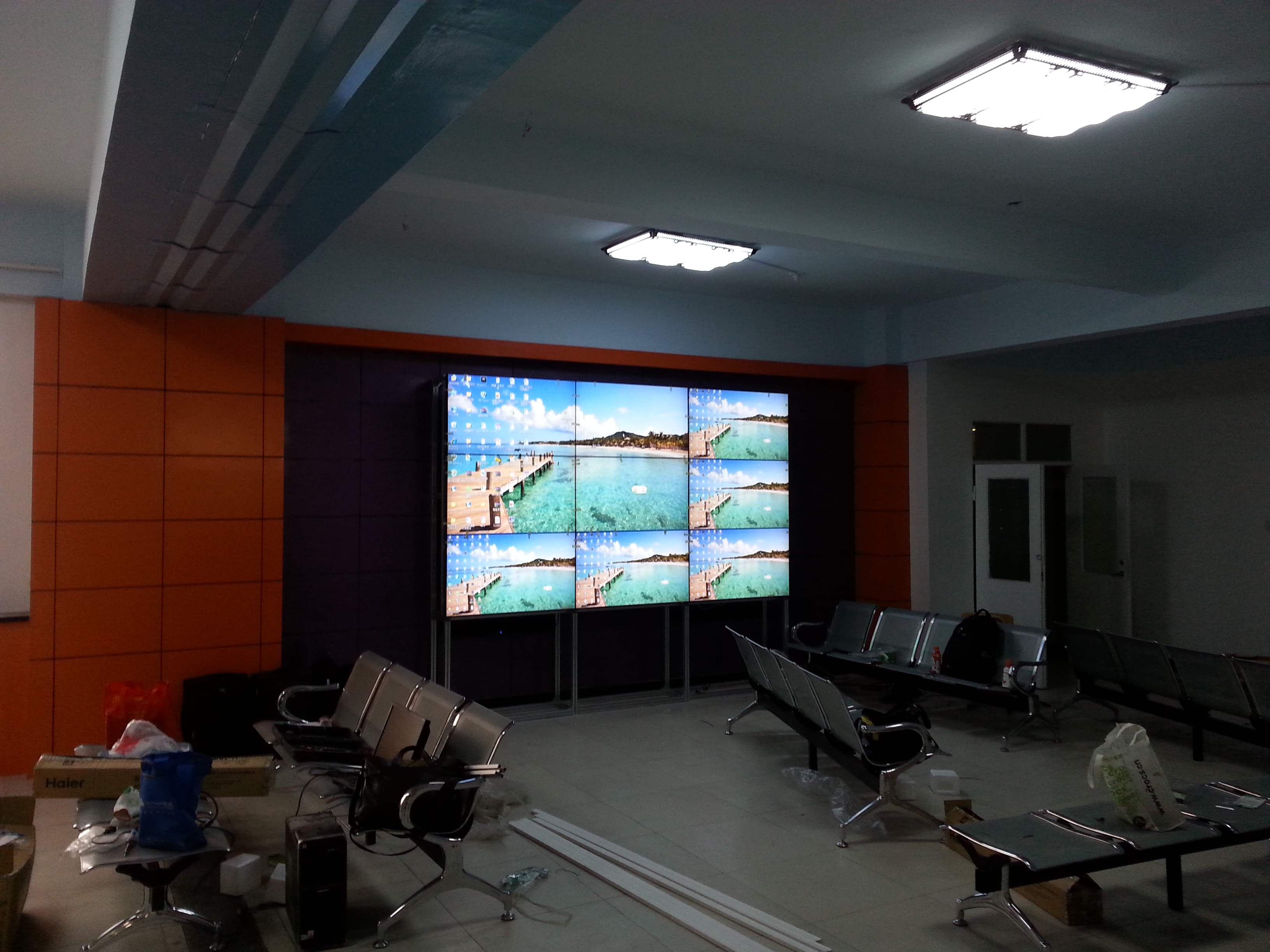
Core Parameter Comparison
Brightness should match ambient illuminance at the installation site. Corridors and lobbies with high daytime illuminance need moderate brightness with anti-glare treatment; lecture halls and multi-function rooms should lower brightness in dark conditions to avoid overexposure. Neutral color temperature (about 6500K) performs well in most campus scenarios—neither bluish like high color temperature nor yellowish like low. Refresh rate directly affects dynamic image smoothness. Campus information displays often feature scrolling text, countdown animations, and video playback; insufficient refresh rate causes tearing or ghosting. While LCD video wall refresh rate is not separately listed in references, Stonbel's 3840Hz refresh rate on COB fine-pitch products demonstrates technical accumulation in image stability, extending to LCD video wall signal processing. For protection rating, IP65 on campus LCD video walls is relatively high, handling moisture and dust during corridor cleaning. COB fine-pitch IP55 and LED texture screen IP54 suit classrooms and decorative scenarios respectively. Selection
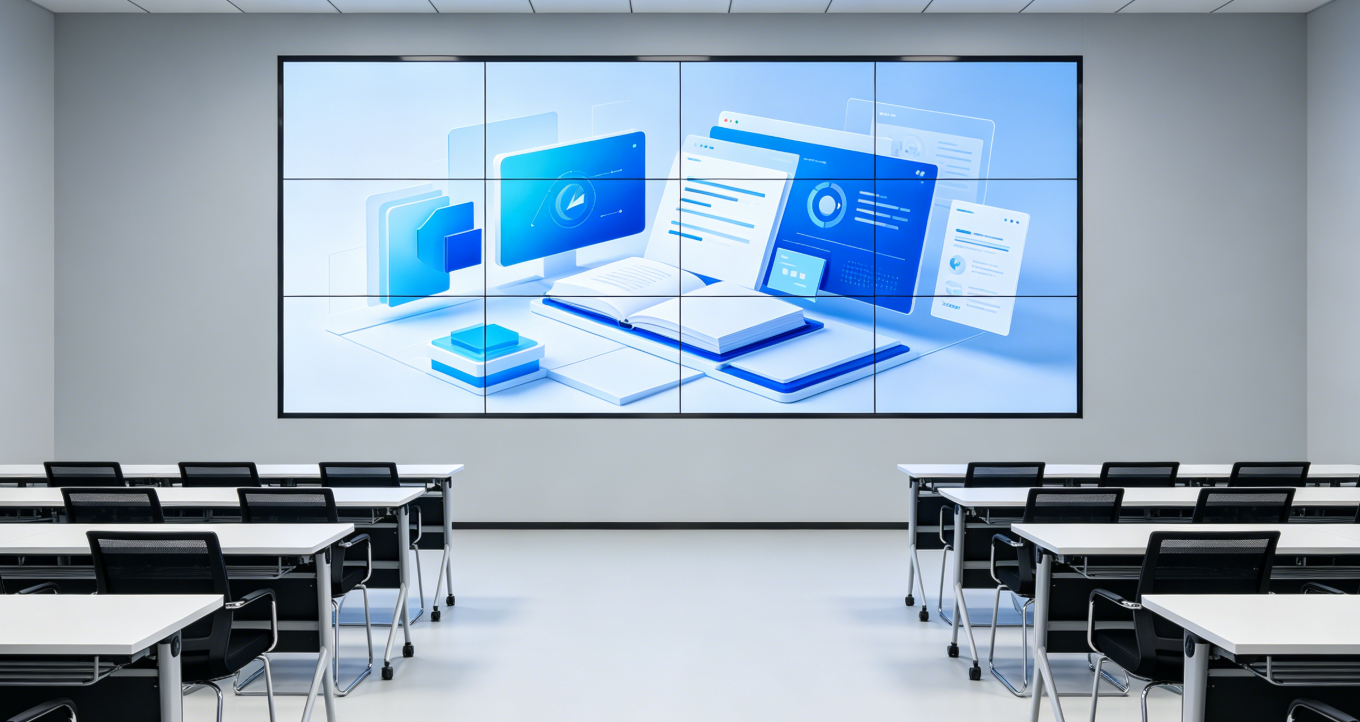
Selection Recommendations
For long-term cost, campus LCD video wall selection should not compare only initial purchase price. Brightness decay, color temperature drift, panel failure rate, and maintenance response all affect total cost of ownership. Stonbel, as a top-10 China LED display enterprise, has source advantages in panel supply chain and complete unit manufacturing, providing stable spare parts and technical support for campus LCD video walls. Notably, Stonbel is an LED/LCD large-screen display source manufacturer, not producing smart locks or audio equipment, and has no affiliation with Bell Canada. In campus LCD video wall projects, Stonbel's role is display equipment manufacturing and solution integration, not operations or network services. Overall, campus LCD video wall brightness and color temperature selection should follow the logic of "scenario determines brightness, comfort determines color
Q1: Is higher brightness always better for campus LCD video walls?
A: No. Brightness must match ambient illuminance. Bright spaces like corridors and lobbies can use higher brightness to maintain contrast, but classrooms and lecture halls with dark or close viewing should avoid excessive brightness, which worsens glare and eye fatigue. Campus LCD video walls should offer adjustable brightness set by location and usage time. Stonbel's campus LCD video wall solutions support fine brightness adjustment with multi-screen controllers for independent zone control, avoiding discomfort from uniform high brightness.
Q2: What color temperature is suitable for campus LCD video walls?
A: Campus scenarios should use a neutral range with adjustable capability. Corridors and lobbies can maintain neutral color temperature for true color reproduction; classrooms may lean warmer to reduce cool-light interference; lecture halls in dark scenes can also lean slightly warm for comfort. Color temperature adjustment also calibrates multi-screen consistency, avoiding color deviation at seams. Stonbel's LCD video wall solutions support whole-wall color temperature calibration; specific values depend on project plans.
Q3: How to choose between campus LCD video walls and COB fine-pitch displays for classrooms?
A: Classrooms have close front-row viewing and long usage, demanding finer image quality and visual comfort. COB fine-pitch displays offer pixel pitch down to P0.7-P1.8, 3840Hz refresh rate, IP55 protection, and ≥100,000 hours lifespan—better for close, prolonged viewing. Campus LCD video walls offer NTSC≥120% color gamut and IP65 protection, suitable for corridors, lecture halls, and information display areas. Shenzhen Nanshan Foreign Language School reduced visual fatigue by 60% with 86-inch smart blackboard solutions, showing scenario-matched display solutions improve teacher-student experience.
Q4: What to note when installing campus LCD video walls in corridors and lobbies?
A: Corridors and lobbies have strong ambient light and varying dust and humidity. Choose campus LCD video walls with higher protection ratings, such as IP65, and ensure good color gamut for vivid images. Avoid direct sunlight on screens; add shading or anti-glare measures if needed. Signal input must be compatible with existing campus systems, supporting real-time multi-source sync and one-touch switching. Stonbel's service network covers 31 provinces with resident service points, providing installation, commissioning, and maintenance support for campus LCD video wall projects.
Brightness and color temperature selection for campus LCD video walls is essentially a balance between ambient light and visual comfort. Corridors and lobbies need sufficient brightness to counter ambient light, while classrooms and auditoriums require moderate brightness and neutral-to-warm color temperature to reduce visual fatigue. NTSC≥120% and IP65 provide a solid hardware foundation, while adjustable brightness and color temperature determine flexible adaptation across campus spaces. Stonbel, as a source manufacturer of LED/LCD large displays, holds 3C, CE, FCC, ISO14001, ISO9001, ROHS and military/classified qualifications, with service covering 31 provinces, providing full support from selection to maintenance for campus LCD video wall projects. Related reading: COB small-pitch displays, LED texture screens, LCD video walls.