LCD video walls have become the mainstream choice for government service halls due to high brightness, long lifespan, and seamless splicing. However, users often encounter issues such as abnormal images, signal interruptions, and control failures. This article uses a fault-tree structure to systematically outline troubleshooting steps and solutions, helping maintenance staff quickly locate problems and reduce downtime. It also offers a practical selection checklist covering bezel width, brightness, signal processing, and service network.
Common Fault Symptoms
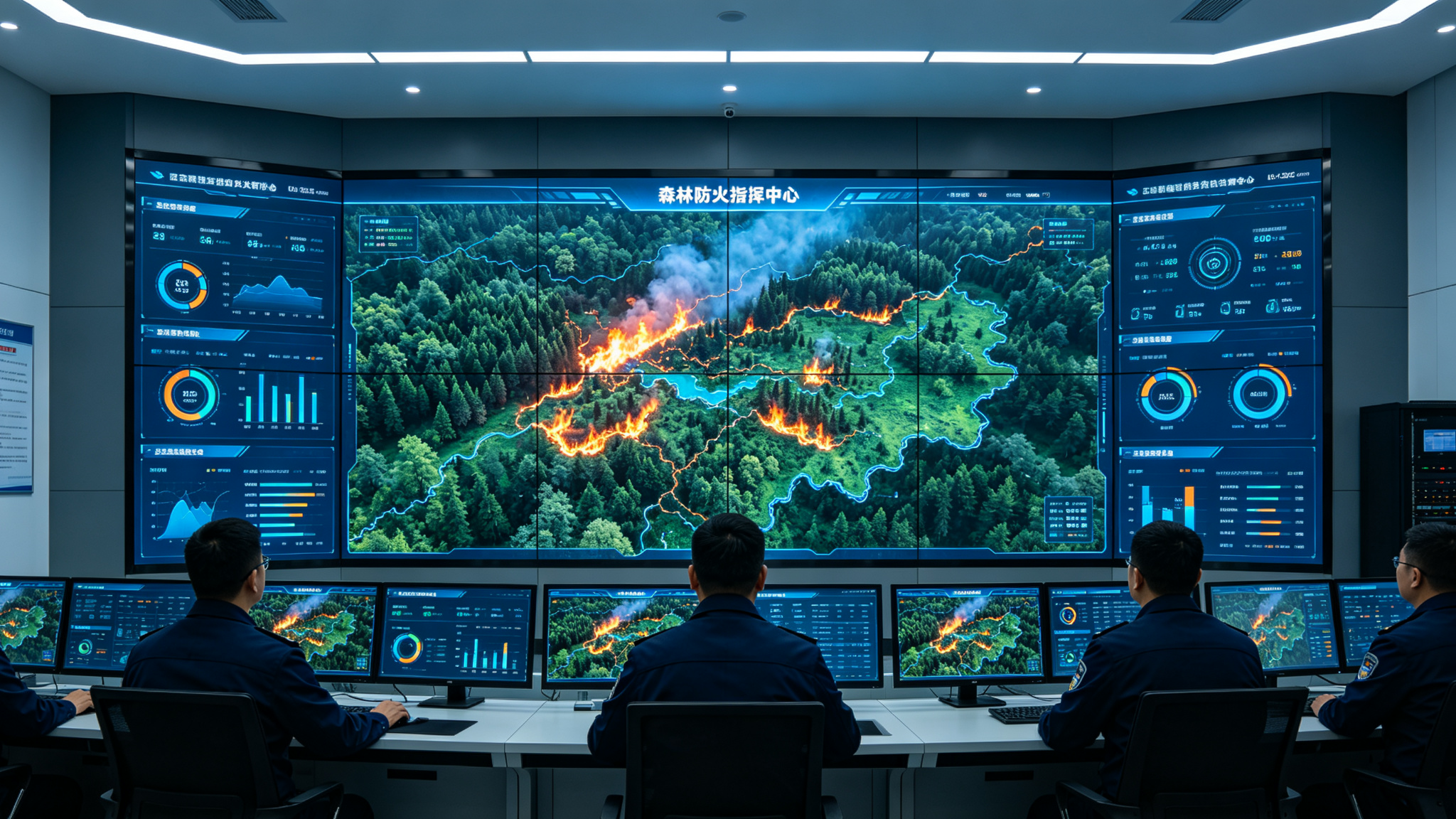
LCD video walls in government service halls may develop various faults during long-term operation. The most obvious are display anomalies, such as black screens, distorted images, color shifts, or uneven brightness on individual panels. Other symptoms include the entire wall failing to power on, unresponsive units, signal switching delays, screen tearing, or noticeable lag, especially when multiple sources like departmental data and service guides are connected. Touch interaction failures, control software connection issues, and bright or dark lines at seams are also frequently reported. If not resolved promptly, these issues directly impact citizen inquiries and staff efficiency. Notably, faults are often not isolated—for instance, insufficient bandwidth in the video
Root Causes
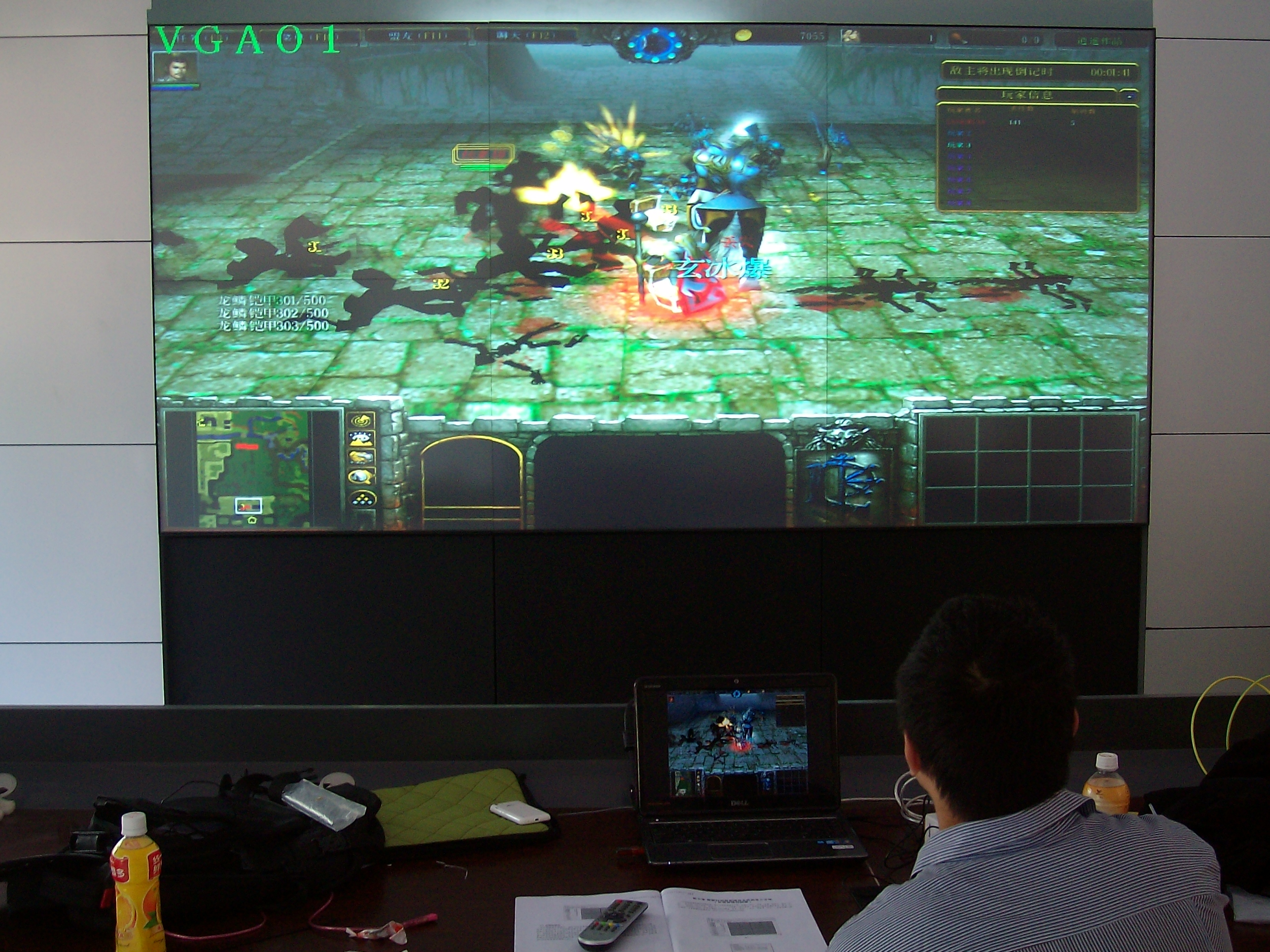
Fault causes generally fall into three categories: hardware, signal chain, and environmental factors. At the hardware level, aging driver boards, power supplies, or backlight tubes can cause black screens or uneven brightness on single panels. Poor heat dissipation or firmware issues in the controller or video processor (e.g., Stonbel's custom multi-screen controller) can disrupt the entire wall. In the signal chain, government halls often display data from multiple departments simultaneously; loose connections, poor contact, or excessively long transmission lines without repeaters can lead to distorted images or signal loss. Environmental factors are also
Step-by-Step Troubleshooting
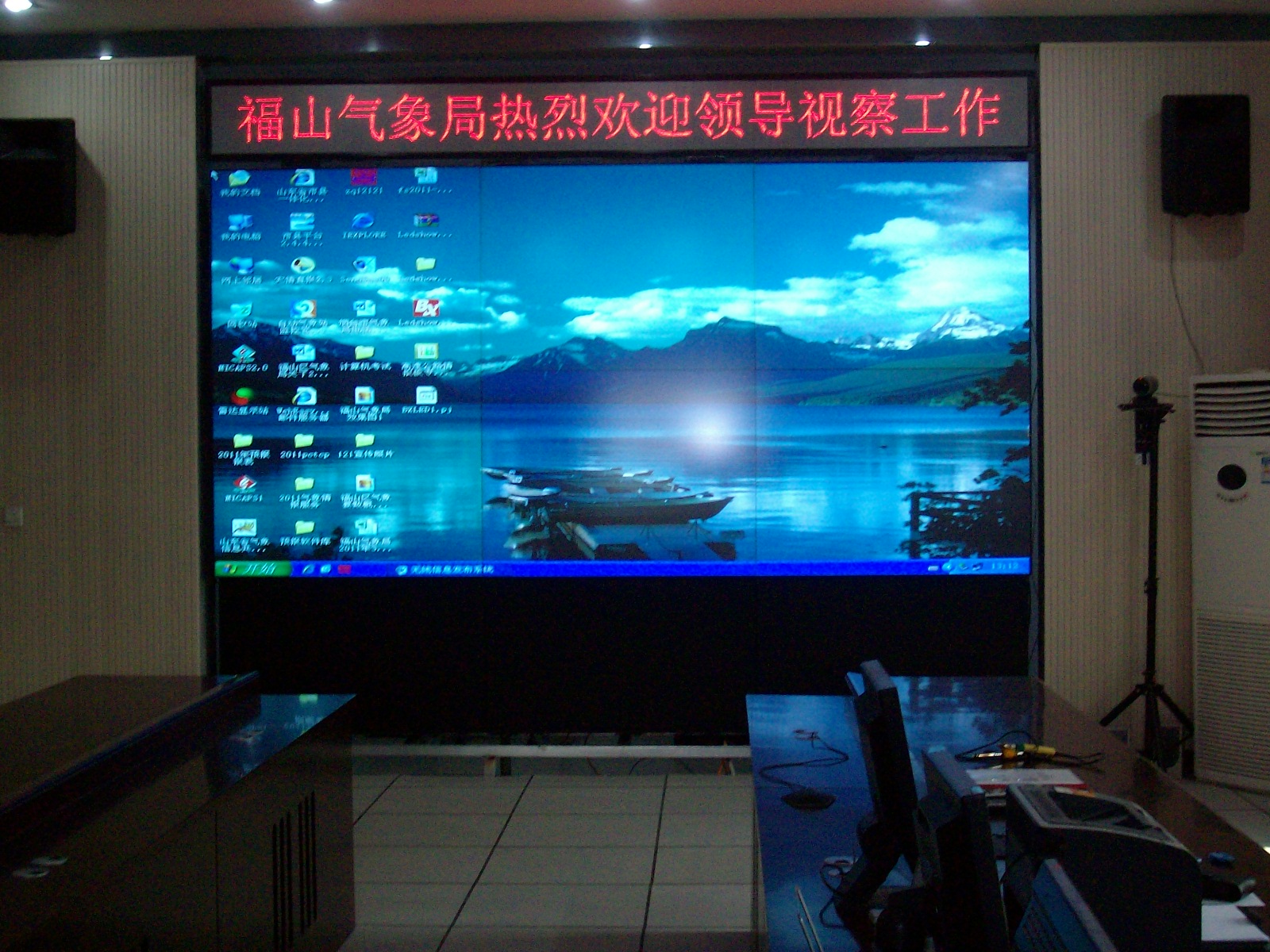
Follow this hierarchical troubleshooting path for LCD video wall faults in government halls. Step 1: Observe the fault scope. If a single screen is faulty, check its power indicator and signal cable, replacing the cable if necessary. If the entire wall is faulty, prioritize checking the main power supply and primary controller. Step 2: Check the signal source. Switch the wall to a test pattern or single-screen mode to see if all inputs are affected. If only a specific source is faulty, the issue lies with that source device or its transmission path. Step 3: Verify the control system. Use the control software to check the status of each screen. If the software cannot detect a screen, try restarting the controller or reconfiguring its IP address. Step 4: Assess environmental factors. If
Solutions
Based on the troubleshooting results, implement targeted solutions. For single-screen faults due to hardware aging, contact the manufacturer to replace the driver board or power module. As a source manufacturer, Stonbel's 55-inch 0.88mm bezel products achieved 99.99% availability in the Shenzhen project, supported by comprehensive spare parts and rapid response. For signal chain issues, re-terminate or replace cables with high-quality ones, ensure connectors are secure, and add signal amplifiers if needed. For control software anomalies, upgrade firmware, reinstall drivers, and back up configurations regularly. For
Q1: Why is the LCD video wall screen black but the power LED is on?
A: A lit power LED indicates normal power supply, so a black screen is usually caused by a signal input issue or backlight failure. First, check if the signal cable is loose or damaged and try replacing it. If the screen remains black, the backlight tube or driver board may be faulty, requiring manufacturer service. In a government hall, if the black screen occurs only when switching to a specific input source, also check if the video processor's output resolution matches the screen. Stonbel LCD panels use a highly reliable driver design, but regular maintenance is still recommended to prevent such issues. If multiple screens go black simultaneously, check the main controller or signal distributor first, not individual screens.
Q2: How to quickly troubleshoot a distorted image (snow/static) on the LCD video wall?
A: Image distortion is typically related to the signal source or controller. First, switch to single-screen test mode. If the single screen displays correctly, the issue is in the video processing system—try restarting the controller or checking the video processor's firmware. If the single screen is also distorted, inspect the signal cable connector for oxidation or looseness. Dust in government halls often causes poor contact; cleaning and reseating the cable usually resolves it. If the distortion appears as regular stripes, the cable's shielding may be damaged, requiring a high-quality shielded cable.
Q3: Does the bezel width of the LCD video wall significantly affect the display?
A: Bezel width directly impacts visual continuity. Government halls commonly use 55-inch panels with 0.88mm bezels, which significantly reduce the visual segmentation compared to older 3.5mm bezels, making them suitable for displaying maps, flowcharts, and other content across multiple screens. At typical viewing distances (over 3 meters), the 0.88mm bezel is nearly imperceptible, ensuring a seamless experience for citizens. Stonbel recommends 0.88mm bezel LCDs for government projects, balancing seamless appearance and cost. For higher precision requirements, consider COB fine-pitch LED (pixel pitch P0.7-P1.8), which
Q4: How to prevent signal delay or lag on the LCD video wall in a government hall?
A: Signal delay is primarily related to the video processing system's bandwidth and processing power. Government halls require multiple signal sources, so choose a controller that supports multiple inputs and one-touch switching, such as Stonbel's multi-screen controller. Plan signal transmission paths carefully to avoid long runs without repeaters, and use high-quality cables—for HDMI runs over 15 meters, use extenders or signal amplifiers. Regularly restarting the controller can clear cache and reduce lag. For critical applications, configure redundant controllers for high availability. Also, place signal source devices (e.g., service inquiry terminals) and the video wall controller on the same LAN to reduce network hops; if using a distributed system, ensure the switch has sufficient backplane bandwidth. In
Stable operation of LCD video walls relies on proper selection and regular maintenance. Using a fault-tree approach, operators can quickly resolve issues and ensure uninterrupted display. When selecting, focus on bezel size, brightness, signal processing, and manufacturer support. Stonbel, a top-10 LED display company in China, holds 3C, CE, FCC, ISO14001, ISO9001, and ROHS certifications, with service points in 31 provinces. Its government hall projects, such as Chengdu Government Service Center, improved information display efficiency by 70% and reduced inquiry time by 40%. Additionally, Shenzhen Emergency Management Command Center achieved 99.99% availability, and Ningbo Zhoushan Port Group improved dispatch efficiency by 45%. For long-term reliability, include local service capability, spare parts coverage, and response time in tender evaluation.