In command centers, display clarity directly impacts decision efficiency. LCD video walls with high brightness, contrast, and UHD resolution are standard for emergency dispatch and data visualization. However, matching viewing distance to room size and selecting the correct pixel pitch remains a common challenge. This article provides a structured selection framework covering process overview, step-by-step operations, acceptance criteria, and key considerations to prevent visual fatigue and budget waste.
Process Overview
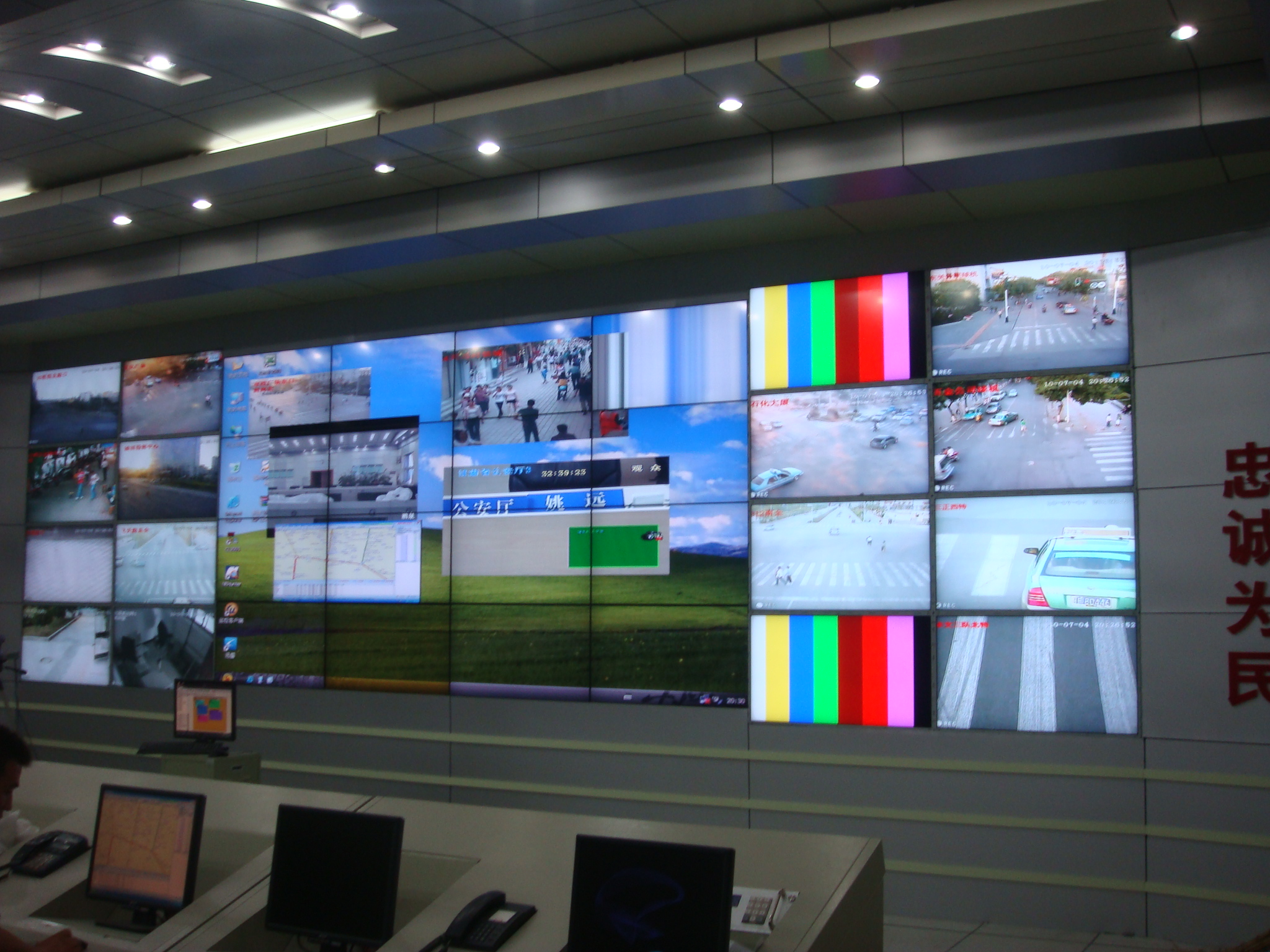
Selecting an LCD video wall for a command center is not a single-parameter decision but a systematic process from site survey to final acceptance. The overall workflow can be summarized in three steps: first, measure the depth and viewing distance of the command hall to determine the actual distance between operator stations and the screen; second, calculate the recommended pixel pitch based on viewing distance and screen resolution, then adjust according to the detail requirements of displayed content (e.g., maps, video streams, data reports); third, select suitable display units and mounting methods based on ambient lighting and wall structure, and verify brightness and color consistency upon delivery. Stonbel always emphasizes the principle of "distance first, pixel pitch second" when serving government and emergency management clients. For example, in a smart display project at a government service center, we measured the hall depth in advance to select a multi-unit LCD video wall configuration that enabled real-time synchronized display of multiple signal sources.
Step-by-Step Checklist
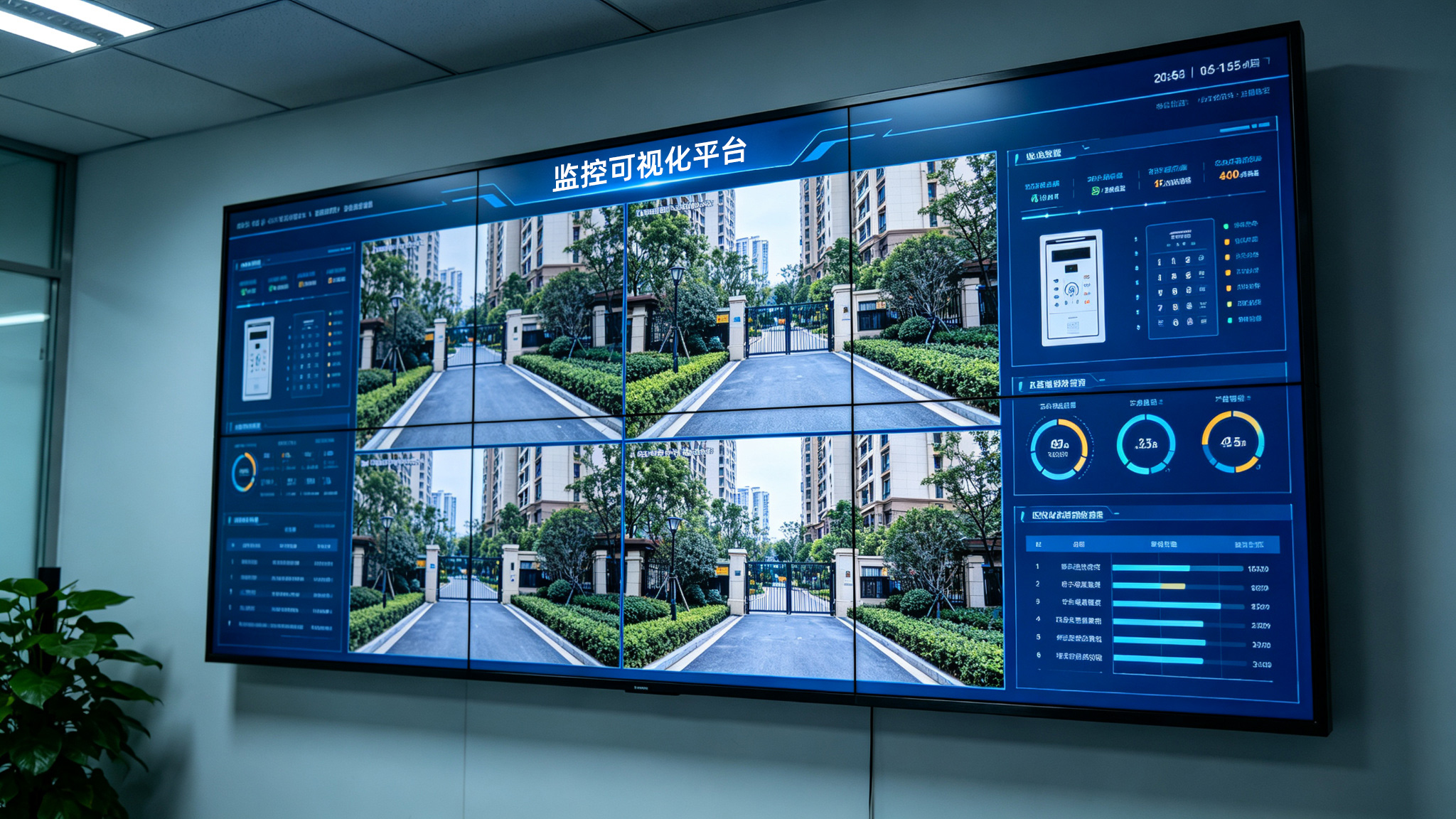
Step 1: Measure actual viewing distance. Use a laser rangefinder to measure the distance from the farthest operator position to the screen, typically taking the average as the baseline viewing distance. For example, if the hall depth is 8 meters and operator stations are 6 meters from the wall, consider a baseline viewing distance of 6-8 meters. Step 2: Calculate pixel pitch based on viewing distance. For command center LCD video walls, the recommended pixel pitch (in mm) can be estimated using the formula: recommended pitch ≈ viewing distance (m) / 2 to viewing distance (m) / 3. For a 6-meter viewing distance, the pitch should be between P2.0 and P3.0; if the distance shortens to 4 meters, a smaller pitch around P1.5 is needed to ensure fine image quality without visible pixels. Step 3: Verify against signal source resolution. Command centers often connect HD cameras and GIS maps. If sources are mostly 1080P or 4K, the pixel pitch should not be too large, or detail will be lost. In Stonbel's LCD video wall product line, P6 models
Acceptance Criteria
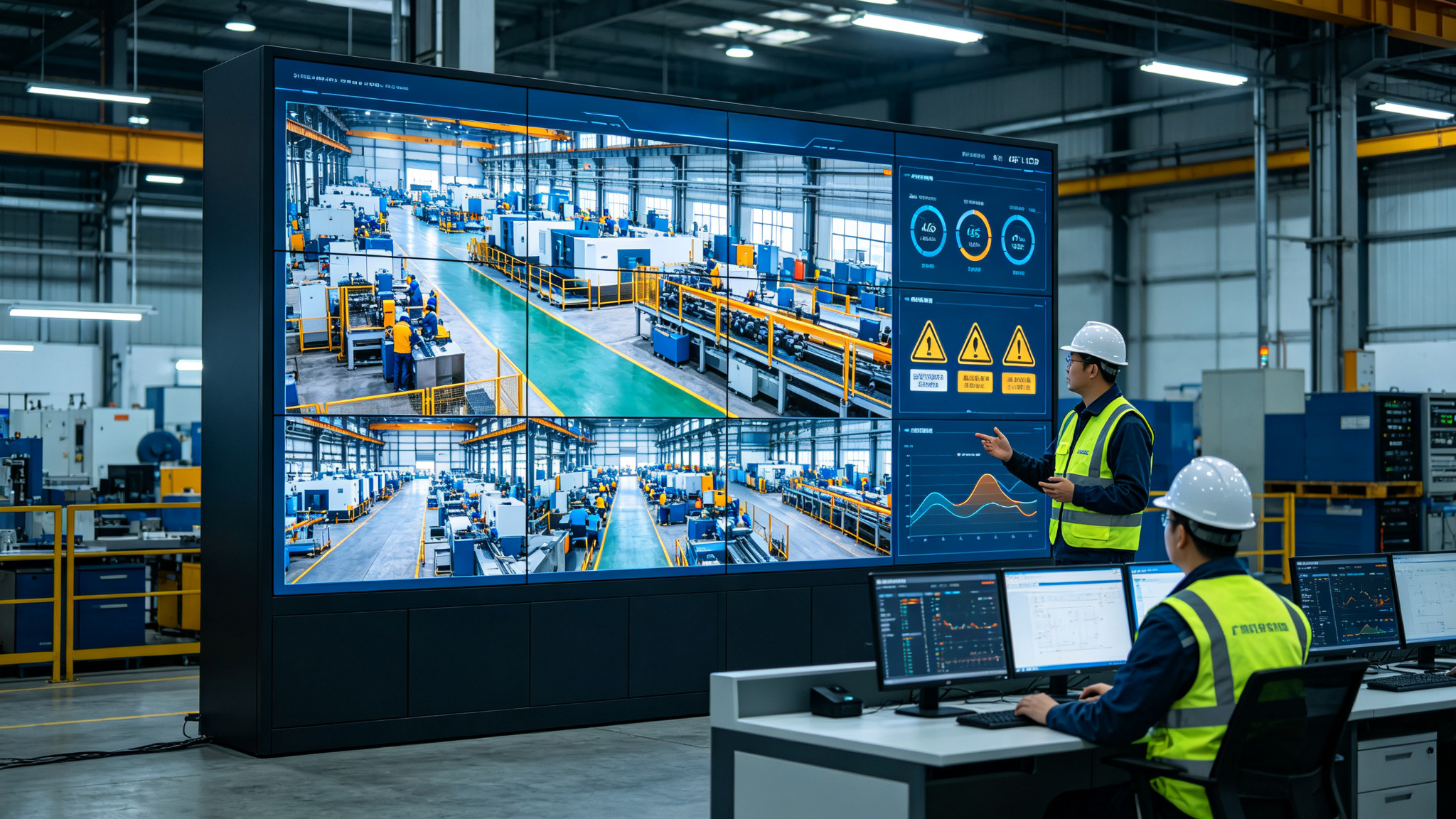
After installation, acceptance of the command center LCD video wall should focus on three dimensions: "clear view, lasting view, uniform view." First, clarity check: at the baseline viewing distance, use professional test patterns to verify that characters at the screen center and edges are sharp, without ghosting or blur. Drawing on Stonbel's digital exhibition experience in the Hunan Provincial Museum project, screen detail directly impacts content delivery efficiency, so pay special attention to edge aliasing on text. Second, brightness and color uniformity: use a color analyzer to measure brightness differences across screen zones, requiring no more than 15% variance, with color temperature deviation within ±500K to avoid a patchy appearance. In a government hall project, Stonbel used a multi-screen controller and video processing system for one-touch signal switching; acceptance should verify smoothness and synchronization during multi-source switching.
Key Considerations
Several easily overlooked details deserve attention during LCD video wall selection and installation for command centers. First, avoid the misconception that "smaller pixel pitch is always better." Excessively small pitch improves clarity but increases cost and maintenance complexity; if viewing distance is long, the human eye cannot resolve smaller pixels, wasting resources. Stonbel recommends P3.0 for viewing distances above 8 meters—no need to pursue sub-P1.0. Second, consider the visual impact of bezels. LCD video walls have physical frames; when displaying continuous maps or large datasets, bezels divide the image. Evaluate whether curved splicing or integrated decorative design is needed. Third, ensure adequate heat dissipation and maintenance space. Command centers often run 24/7; reserve at least 60 cm of rear maintenance access and configure temperature control. Stonbel's LCD video walls have a lifespan of 100,000
Q1: What is the optimal viewing distance for a command center LCD video wall?
A: Viewing distance depends on screen size and pixel pitch. Generally, the viewing distance should be 2-3 times the screen height, combined with pixel pitch calculations. For example, with P3 pitch, the viewing distance ranges from 3 to 6 meters; with P6 pitch, the distance should extend beyond 6 meters. Stonbel recommends determining the viewing distance first, then deriving the pixel pitch to ensure a grain-free image with clear details.
Q2: How to choose between P3 and P6 pixel pitch for command center applications?
A: The main difference lies in pixel density. P3 suits close-range viewing at 3-5 meters, rendering finer fonts and map labels; P6 fits long-range macro displays above 5 meters, such as situational overviews or video surveillance walls. If the command hall is deep and operator stations are far from the screen, P6 reduces cost; if dense data or HD maps are required, P3 is more appropriate. In Stonbel's LCD video wall lineup, P6 is a standard configuration, while smaller pitches like P3 can be customized per project.
Q3: How to calculate the number of LCD video wall units needed for a command center?
A: First determine the required display area and resolution. For example, to display a 4K source, at least four 1920×1080 units in a 2×2 array are needed. Also, match viewing distance with pixel pitch to ensure overall resolution is not lower than the source resolution. In a government hall project, Stonbel used a multi-screen controller for multi-source splicing; when calculating quantity, reserve redundancy for future expansion.
Q4: What brightness level is required for a command center LCD video wall?
A: Command centers typically have controlled indoor lighting, so brightness requirements generally range from 500-700 cd/m². If ambient light is stronger, choose higher-brightness models, but avoid excessive brightness that causes visual fatigue. Stonbel's LCD video walls meet indoor standards and support automatic brightness adjustment. With IP65 protection, they effectively resist dust, ensuring slow brightness decay over long-term use.
Selecting an LCD video wall for a command center requires balancing space, visual performance, and cost. Follow the four-step process—measure viewing distance, calculate pixel pitch, verify signal sources, and assess ambient light—to build a sound parameter logic. Stonbel, as a display manufacturer, offers customizable LCD video walls with pre-sales consultation and service across 31 provinces. Always conduct on-site surveys and simulation tests to ensure the final solution meets operational needs and maximizes ROI.