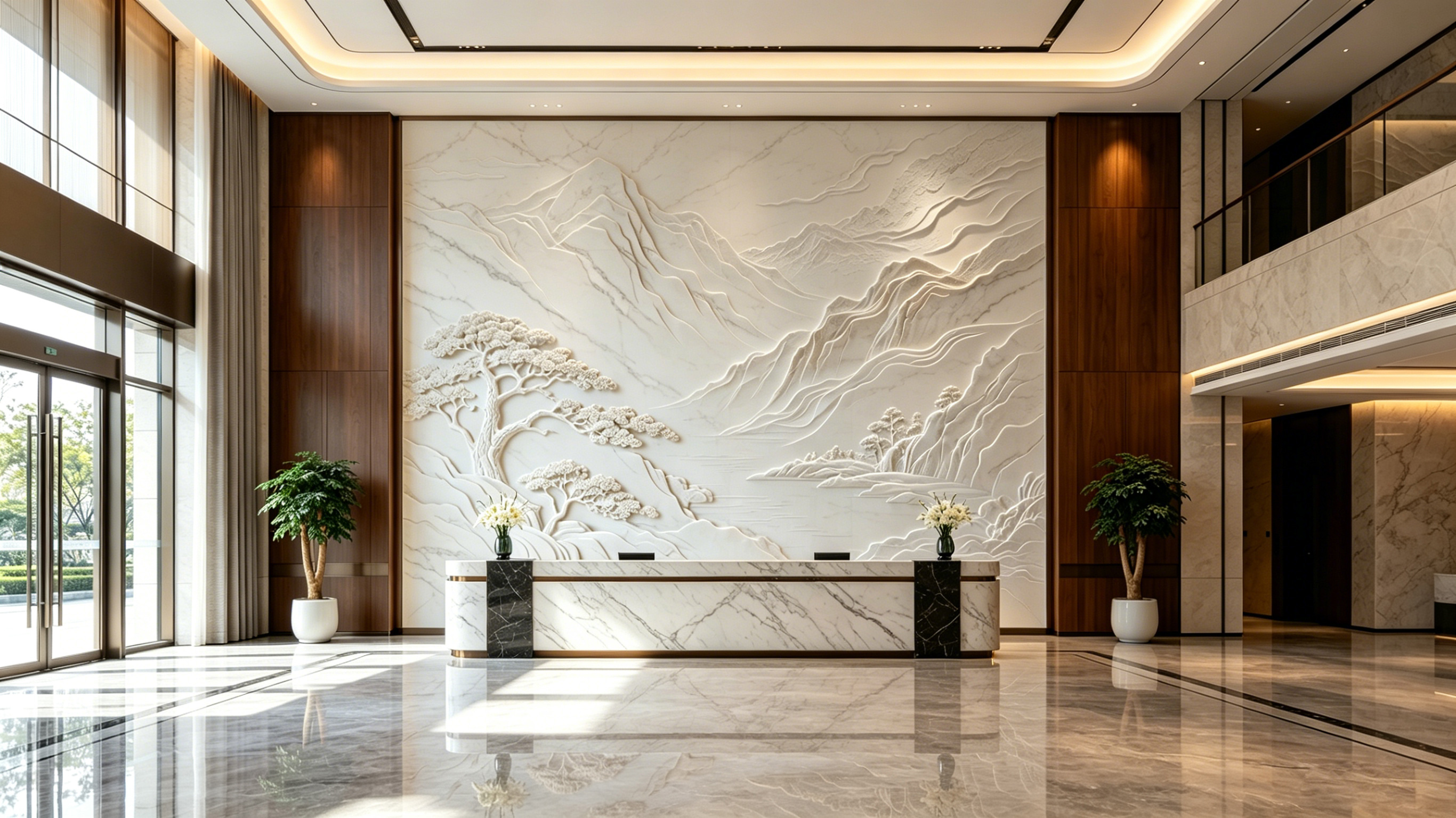
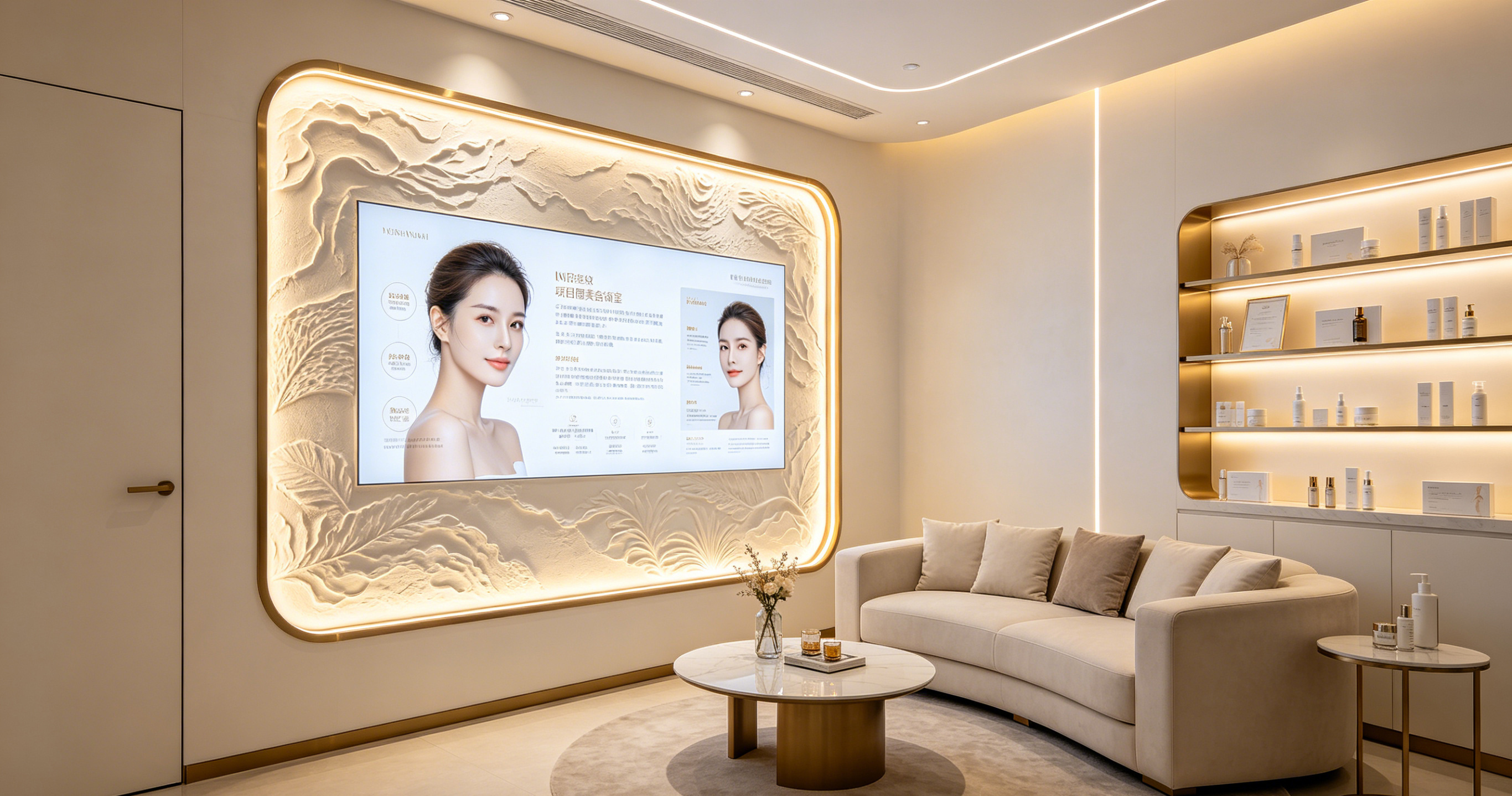
In business halls, display devices are not just tools for information delivery but the first touchpoint of brand image and spatial style. With advancing commercial display technology, LED relief texture screens—offering a dual 'decorative off, display on' effect—are becoming a top choice for high-end venues like bank lobbies, carrier flagship stores, and government service centers to enhance customer experience. However, many buyers struggle with parameters such as pixel pitch (P value), viewing distance, and refresh rate: Which P is right? At what distance will customers view it? This article systematically explains the key parameter logic for selecting and deploying LED relief texture screens in business halls, drawing on Stonbel's real projects in government and commercial settings, to help you make scientific, cost-effective decisions based on spatial scale, content density, and ambient lighting. All data and cases are sourced from Stonbel's public project materials and product specs for objective reference.
Selecting LED Relief Texture Screens for Business Halls: From Spatial Scale to Pixel Pitch
Selecting an LED relief texture screen for a business hall is not about choosing the most expensive option, but scientifically determining the pixel pitch based on actual viewing distance, ambient brightness, and content needs. Pixel pitch (P value) is the distance between centers of adjacent pixels, measured in millimeters, directly determining the screen's physical resolution and pixel density. In Stonbel's product matrix, the LED texture screen's core parameter is P5, suitable for scenarios emphasizing decorative integration and long-distance brand image display;
Common Visual Defects: Parameter Mismatch, Not Hardware Failure
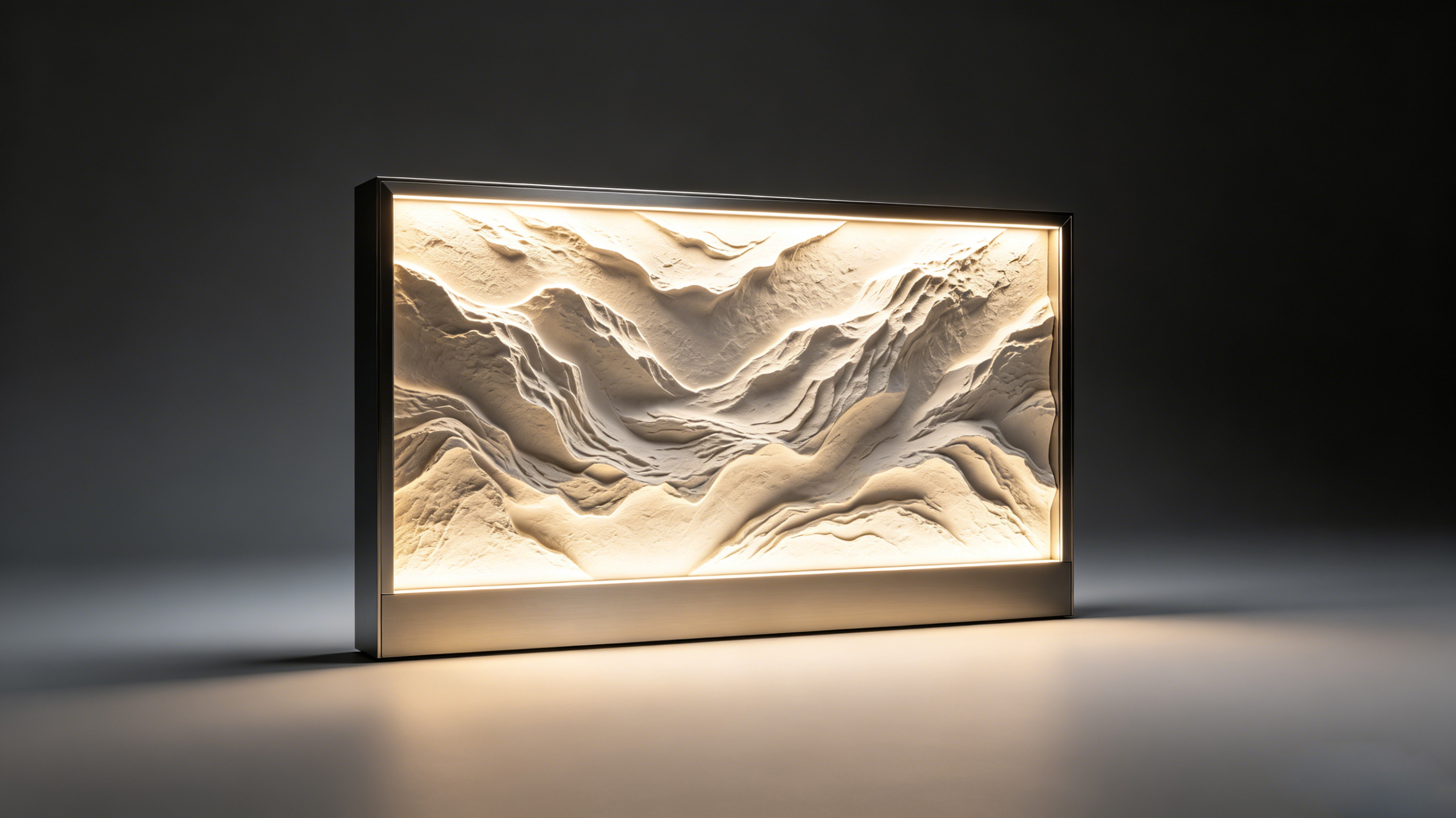
In business hall applications, LED relief texture screen 'failures' are often not hardware damage but visual mismatches. The most common issues include three types: first, blurred text and soft edges at long distances, especially when displaying announcements or guidance, requiring customers to approach closely; second, noticeable pixelation and rough images at close range, with exposed pixels undermining the refined
Root Cause Analysis: The Triangle of P Value, Texture Layer, and Brightness Environment
Pixel pitch (P value) is the core parameter determining LED screen clarity, representing the distance between adjacent pixel centers in millimeters. The common P5 model for business hall LED relief texture screens has a 5mm pitch, suitable for viewing distances above 5 meters; while P0.7 to P1.8 COB fine-pitch products are for close-range high-definition display around 2 meters. Viewing a P5 screen within 3 meters makes pixelation obvious, with text strokes cut by the grid; conversely, viewing a P0.7 screen from 10
Step-by-Step Troubleshooting Guide: A Systematic Approach from Measurement to Testing
To troubleshoot visual issues with business hall LED relief texture screens, follow these four systematic steps. First, measure actual viewing distance—determine where customers primarily stand or walk, whether 1-2 meters at counters, 5-10 meters in the hall center, or over 10 meters at entrances. Second, verify screen pixel pitch and resolution—check the spec sheet to confirm the P value matches viewing distance, and ensure the signal source resolution reaches at least 80% of the screen's physical
Solutions and Upgrade Paths: Scenario-Based Precise Matching
Based on troubleshooting results, solutions fall into three scenario-based paths. First, if pixel pitch is too small causing cost waste with limited visual gain—e.g., using P1.2 in hall areas over 8 meters—consider switching to larger-pitch options like P5 for business hall LED relief texture screens to balance cost and decoration; Stonbel's LED texture screens have an IP54 protection rating, sufficient for daily business hall environments. Second, if pixel pitch is too large causing insufficient clarity—e.g., using P5 at 2 meters—upgrade to COB fine-pitch
Q1: What is the viewing distance for business hall LED relief texture screens?
A: Viewing distance depends on pixel pitch, with the core formula: minimum viewing distance ≈ pixel pitch (mm) × 1000. For P5 models, suitable viewing distance is typically above 5 meters, where pixelation disappears and the relief texture blends naturally with displayed content, ideal for bank lobbies and flagship operator stores emphasizing brand image; while P1.2 and other COB fine-pitch products deliver clear images at around 2 meters, suitable for counters and VIP rooms. If the hall is compact
Q2: How to choose between P5 and P1.2 pixel pitches in a business hall?
A: P5 and P1.2 correspond to decoration-priority and information-priority scenarios, respectively. P5 suits large hall areas like bank lobbies and flagship operator stores, with viewing distances typically above 5 meters, emphasizing the decorative effect of relief textures and overall brand presentation; Stonbel's LED texture screens have an IP54 protection rating, adapting to daily temperature and humidity. P1.2 suits close-range viewing at counters and display areas, rendering fine text and charts; for example, Hangzhou Metro's P1.2 COB fine-pitch solution enables second-level
Q3: Is refresh rate important for business hall LED relief texture screens?
A: Yes. Refresh rate directly affects flicker, especially under camera surveillance or high-brightness environments, where low refresh rates cause visible strobing and ghosting, impacting customer experience and surveillance quality. Stonbel's COB fine-pitch products achieve a 3840Hz refresh rate, ensuring stable, flicker-free images suitable for frequent text-image switching and video playback; while the LED display series reaches up to 7680Hz, 22-bit grayscale, and NTSC≥130% color gamut, ideal for brand display areas with extreme quality
Q4: How to avoid glare issues on business hall LED relief texture screens?
A: Glare mainly results from specular reflection of ambient light on the screen surface. Avoid glare through three approaches: first, choose screens with matte or anti-glare texture layers—Stonbel's LED texture screens use building-grade texture finishes, presenting a matte appearance when off and reducing reflectivity through special optical structures when on, with minimal impact from ambient light;
Selecting an LED relief texture screen for a business hall is a balance of spatial scale, information density, and decorative aesthetics. From P5 for decorative integration to P1.2 for high-definition clarity, Stonbel offers a full product matrix from P0.7 to P5, backed by 3C, CE, FCC, ISO9001, ISO14001, and ROHS certifications, and ranked among China's top ten LED display companies. Using this troubleshooting logic—measure distance, verify pixel pitch, then check ambient light—you can avoid common pitfalls of overpaying or insufficient clarity. Real cases like Hangzhou Metro's P1.2 solution, Shanghai Planetarium's immersive exhibits, and Xi'an Xianyang Airport's unified management of 400 terminals demonstrate that proper parameter matching yields a 55% faster response, 45% longer dwell time, and 50% less maintenance labor. If you still have doubts, Stonbel's service teams across 31 provinces offer on-site surveys and solution simulations to ensure every screen performs optimally at the right distance. Remember, the right choice is the best choice—a commitment to both customer experience and ROI.