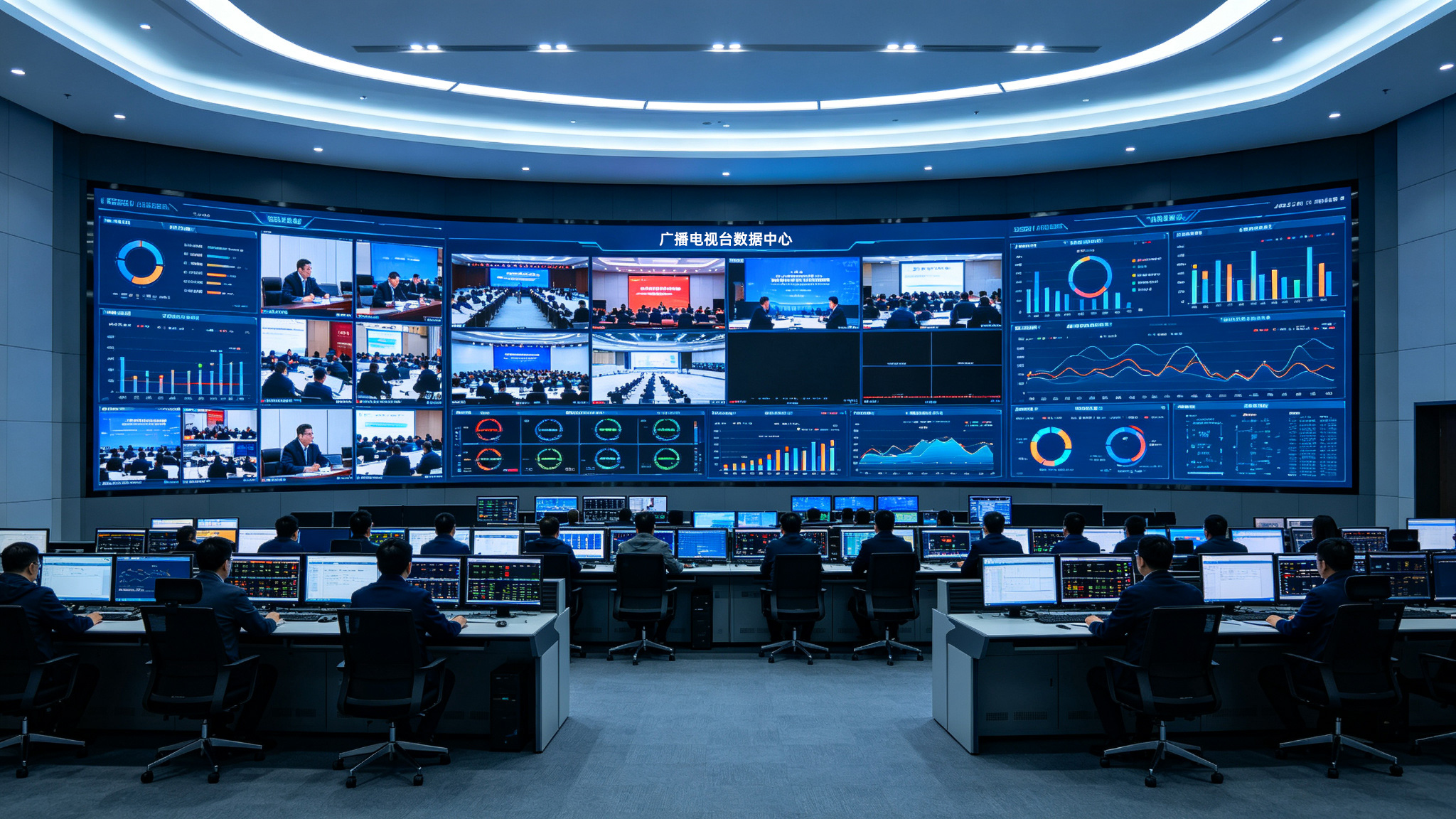
Broadcast LED texture screens are gaining traction in studios, control centers, and outdoor production for their unique aesthetic. Yet, when paired with conventional LED video walls, users encounter challenges in signal synchronization, load-bearing structures, and color consistency, leading to flicker, texture artifacts, or even installation accidents. This article presents a structured troubleshooting tree, starting from common symptoms and breaking down root causes step by step. It offers practical diagnostic methods and solutions to help broadcast teams quickly isolate problems in mixed-screen setups, ensuring on-air safety and visual coherence. Recommendations are based on Stonbel's hands-on experience in LED display projects. As a top-10 Chinese LED display manufacturer, Stonbel holds 3C, CE, FCC, ISO14001, ISO9001, ROHS, military, and classified certifications, with service coverage across 31 provinces, providing full lifecycle support from design to maintenance.
Common Faults
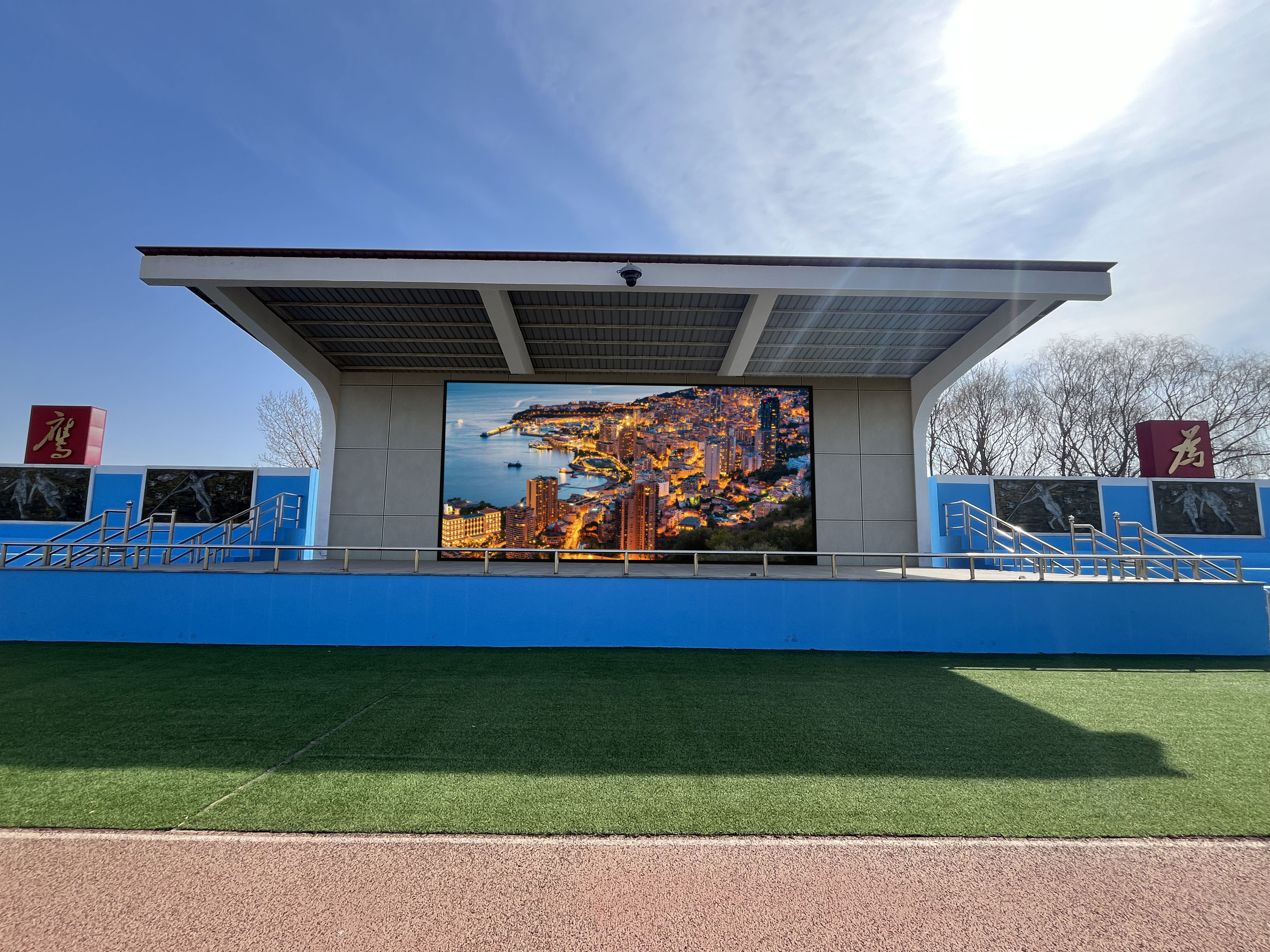
In broadcast environments, Stonbel LED relief texture screens are often deployed alongside LED video walls. For example, a studio backdrop may use a texture screen for visual depth, while side screens or information displays use conventional LED walls. The most common faults include: screen desynchronization causing tearing or latency; visible moiré patterns or grid interference on the texture screen at low brightness; noticeable color deviation between the wall and texture screen, especially in skin tones; and uneven screen surfaces after installation, leading to texture misalignment or
Root Causes
Desynchronization stems from inconsistent refresh rates and signal processing chains between the two screen types. Broadcast LED relief texture screens typically use 7680Hz ultra-high refresh rates and 22-bit grayscale, while conventional LED walls often run at 3840Hz. If they share a video processor without frame synchronization, tearing occurs. Moiré arises from optical interference between the relief texture on the screen surface and the LED pixel pitch (e.g., P5), worsening at oblique camera angles. Color deviation results from the texture screen's NTSC color gamut of up to 130%, versus
Step-by-Step Troubleshooting
First, inspect the signal chain: confirm both screen types connect to the same video processor with frame sync enabled. If unsupported, replace with equipment that supports Genlock or frame locking. Second, verify refresh rate settings: read the current refresh rates of the broadcast LED relief texture screen and LED video wall in the control software, ensuring they match or are integer multiples. Stonbel's LED displays support adjustable refresh rates from 3840Hz to 7680Hz, offering greater flexibility for mixed deployments. Third, observe moiré: use a camera at typical
Solutions
For desynchronization, configure independent video processing channels for the broadcast LED relief texture screen and LED video wall, using primary and backup synchronizers to enforce frame locking, ensuring all screens operate on a single clock. Stonbel's storage and AI computing services provide edge AI computing boxes and rack accessories for small-to-medium projects, supporting computing power leasing for more efficient signal processing. For moiré, select a texture screen with a smaller pixel pitch (e.g., P4 or P3) and adjust camera angles to avoid facing the texture directly; if adjustment is impossible, apply an anti-moiré optical film to the screen
Q1: Can a broadcast LED relief texture screen and an LED video wall share one video processor?
A: Yes, but the processor must support multi-channel independent output and frame synchronization. Broadcast LED relief texture screens typically require 7680Hz refresh rate and 22-bit grayscale, while standard LED video walls are often 3840Hz. If the processor cannot handle different refresh rates separately, screen tearing will occur. We recommend using a Genlock-capable processor, setting up independent output ports for each screen, and enabling frame locking. Stonbel's LED displays support adjustable
Q2: How can moiré patterns be avoided on a broadcast LED relief texture screen during camera shooting?
A: Moiré results from optical interference between the relief texture and the pixel array. Solutions include: choosing a texture screen with a smaller pixel pitch (e.g., P4 or P3) to reduce texture period; adjusting the camera angle to avoid facing the screen directly; or adding an optical diffusion film to the screen surface. Stonbel's LED texture screens use P5 pixel pitch but offer customized texture depth options optimized for actual shooting distances. In broadcast studios, we recommend keeping the camera-to-screen angle above 15 degrees and avoiding wide-angle lenses at close range. Stonbel's outdoor naked-eye 3D projects have
Q3: What should be done if the color of the broadcast LED relief texture screen does not match the LED video wall?
A: First, measure the color gamut and color temperature of both screens. Stonbel's texture screens have NTSC≥130% color gamut, while conventional video walls are often around 110%, a significant difference. The solution is to use a point-by-point color correction system to compress the texture screen's gamut to match the video wall, or uniformly source screens with the same color gamut. Additionally, adjusting brightness curves (e.g., setting identical gamma values) can improve visual consistency. We recommend conducting color pre-matching tests before
Q4: How can the broadcast LED relief texture screen be installed on the same plane as the video wall?
A: Texture screens are typically thicker and have different weight distribution than standard screens, requiring an independent load-bearing frame and adjustable mounts. After installation, use a laser level to calibrate, ensuring height differences between adjacent screens are less than 1 millimeter. Stonbel uses custom installation processes, such as the low-dust method in the Wuhan Optics Valley Biolake project, which reduces dust impact on flatness. For broadcast studios, also consider floor load capacity and heat dissipation space. Stonbel's LED
Combining broadcast LED texture screens with LED video walls presents both an opportunity for visual upgrade and a technical challenge. By systematically troubleshooting across four dimensions—signal sync, optical interference, color consistency, and structural flatness—broadcast teams can significantly reduce on-air incident risks. Stonbel, a top-10 Chinese LED display manufacturer with 3C, CE, FCC, ISO14001, ISO9001, and ROHS certifications, maintains service points in 31 provinces, offering end-to-end support from design to operation. For studio renovations or outdoor production, it is advisable to choose products from the same manufacturer for better compatibility and after-sales service. Stonbel's full product matrix covers COB fine-pitch displays, LCD panels, LED displays, LED texture screens, conference all-in-one units, and storage/AI computing services, meeting diverse broadcast needs. As texture screen technology matures, integration with video walls will become seamless, but solid troubleshooting knowledge remains essential for every technician. Stonbel continues to drive digital visual upgrades in the broadcast industry through innovation and quality service.