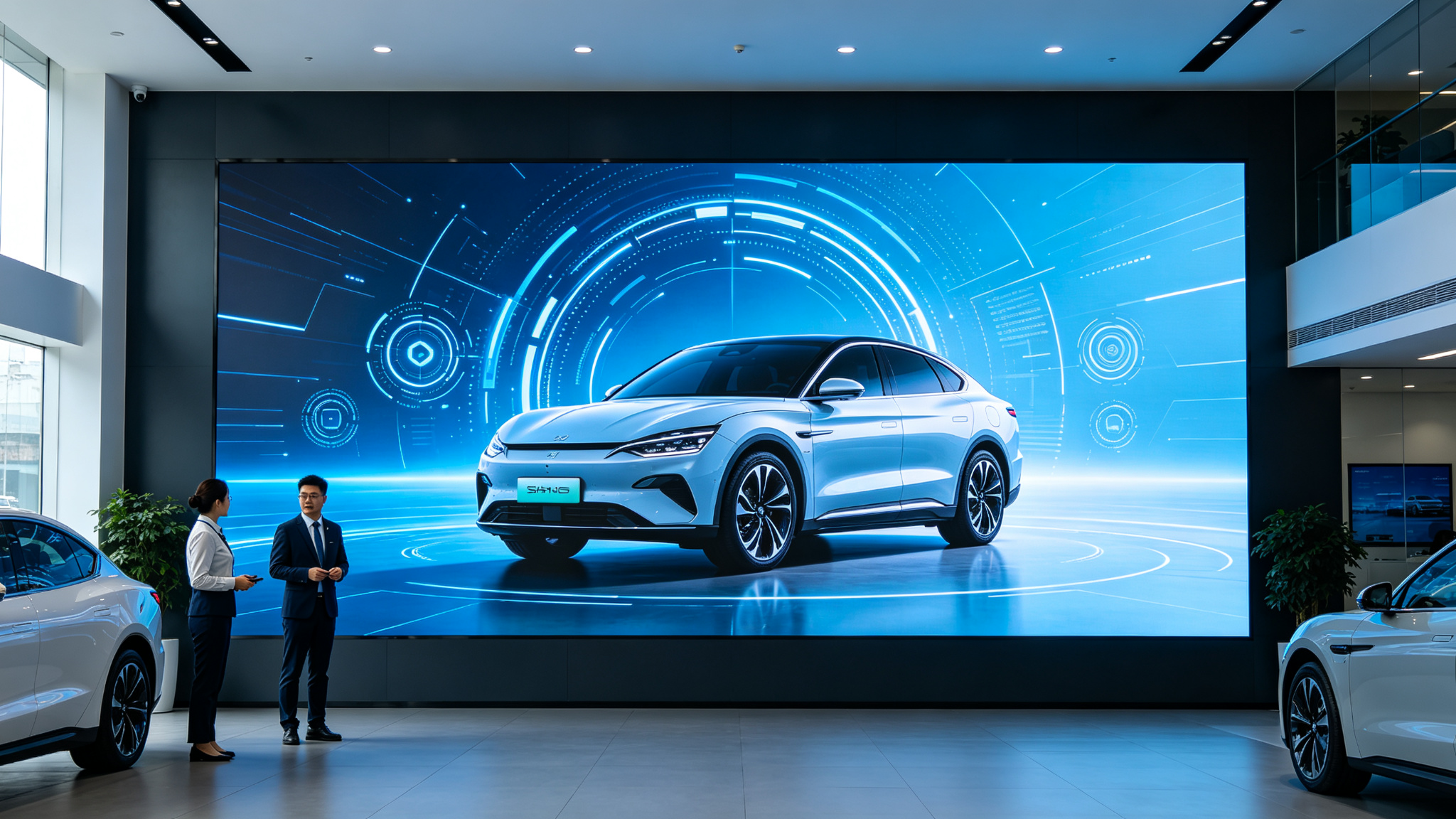
The display system in an energy center must not only present operational data, dispatch commands, and safety warnings but also maintain stable and reliable performance under demanding conditions. LED relief texture screens, featuring a 'decorative when off, informative when on' design, are driving visualization upgrades in the energy sector. However, installation and pre-wiring directly affect final display quality and long-term stability. This article summarizes 20 common questions—from product selection, parameters, and installation to after-sales service—drawing on real project experience to provide objective, actionable guidance for energy center owners and engineering contractors.
Key Installation FAQs
Installing an energy center LED relief texture screen is not a simple wall-mount job. It involves load-bearing structure assessment, separation of high/low voltage lines, signal transmission distance, heat dissipation channel reservation, and
Q1: What is the installation difference between an energy center LED relief texture screen and a regular LED screen?
A: The energy center LED relief texture screen integrates a building-grade textured decorative layer, making it heavier and thicker than standard LED screens. Installation requires
Q2: How should high and low voltage lines be separated during cabling?
A: The screen typically runs on AC220V, with signal via network cable or optical fiber. High and low voltage lines must be routed in separate conduits, keeping at least 30cm apart to avoid electromagnetic interference causing flicker
Q3: How should cabling be handled when signal transmission distance exceeds 100 meters?
A: Network cable transmission has a theoretical limit of 100 meters. Beyond that, switch to optical fiber, which offers strong anti-interference, low attenuation, and long-distance transmission—ideal for connecting control rooms to screens
Q4: How to choose between load-bearing and non-load-bearing walls for installation?
A: The screen is heavy and must be mounted on load-bearing walls or steel structures. If only non-load-bearing walls are available, fabricate a floor-standing or suspended steel bracket to
Q5: How much rear clearance is needed for heat dissipation?
A: The screen uses Micro-LED technology with relatively low heat output, but still requires at least 10cm of rear clearance for airflow. In enclosed spaces, add axial fans or air conditioning
Q6: Is the IP54 rating sufficient for dusty or oily energy center environments?
A: IP54 effectively prevents dust ingress and splashing water, suitable for most indoor scenarios. However, in areas with heavy oil mist or corrosive gases, add dust filter screens and clean the textured surface regularly. IP54 does not support prolonged
Q7: What maintenance access should be reserved during installation?
A: The screen supports front or rear access. Front access requires magnetic detachable space on the front; rear access needs at least 60cm of clearance behind. Leave slack in all power and signal cables with clear labeling for quick
Q8: How to determine installation height and viewing distance?
A: With P5 pixel pitch, the optimal viewing distance is 5 meters or more. Mount the screen bottom 1.2–1.5 meters above the floor, or adjust based on the scene. In dispatch halls, position the screen center slightly above eye level to reduce
Q9: Do the screen materials meet energy center fire safety requirements?
A: All modules and structural components use flame-retardant materials, compliant with 3C and CE certifications. Use flame-retardant cables routed through metal conduits or flame-retardant trays. Keep flammable materials away from the rear of the screen; install smoke
Q10: What interfaces should be reserved during cabling?
A: Typically reserve HDMI, DVI, network, and RS232 control interfaces. For multi-signal scenarios, also reserve fiber or SDI interfaces. Leave at least 2 spare signal lines and 1 spare power line for future
Q11: What are the requirements for the floor and surrounding environment during installation?
A: The floor must be level to prevent scaffold tilting and uneven screen stress. Keep the environment dry and implement dust control during construction. If working in an operational energy center, coordinate power outage
Q12: What are the grounding requirements?
A: The screen must be reliably grounded with resistance below 4 ohms to prevent static buildup and lightning induction. Use dedicated yellow-green copper ground wire with cross-section ≥4mm², and secure terminals with anti-loosening washers. If no independent
Q13: How to avoid moiré patterns or glare after installation?
A: The textured surface has anti-glare treatment to reduce ambient reflection. If the screen faces windows or strong light sources, install curtains or adjust the tilt angle. Moiré typically results from camera pixel interference with
Q14: How to perform color and brightness calibration after installation?
A: The screen supports point-by-point calibration. Use a professional colorimeter to capture brightness/chromaticity of each LED and generate correction coefficients. With NTSC≥130% color
Q15: What ESD precautions are needed during installation?
A: LEDs and driver ICs are static-sensitive. Installers must wear anti-static wrist straps and use anti-static workbenches. All metal structures should be equipotentially bonded to prevent ESD-induced dead
Q16: How to select power cable gauge during cabling?
A: Power consumption depends on screen area and brightness. For P5, max power is ~600W/m², average ~200W/m². Calculate total current with 1.2× safety margin. For example, a 10m² screen draws 6kW,
Q17: How to perform water ingress testing after installation?
A: Despite IP54 rating, conduct a water spray test simulating splash conditions. Spray from all directions for 10 minutes and check for internal moisture. Before testing, ensure all seams are sealed with silicone
Q18: How to quickly replace modules during after-sales maintenance?
A: The screen uses modular design—each module can be independently removed. Power off, use a special tool to detach the faulty module from front or rear, replace it, and reconnect the ribbon cable. We recommend keeping 2–3
Q19: How to ensure high stability for energy center display systems?
A: The screen features redundant power and signal systems with dual power backup and signal loop-through. Install dual power feeds with UPS to maintain critical display during outages. The screen supports
Q20: What acceptance tests should be performed after installation?
A: Conduct pixel inspection, brightness uniformity testing, color reproduction testing, and refresh rate testing. Pixel inspection detects dead or dim LEDs; brightness uniformity must be ≥98%; color reproduction must meet NTSC≥130%. The 7680Hz refresh rate
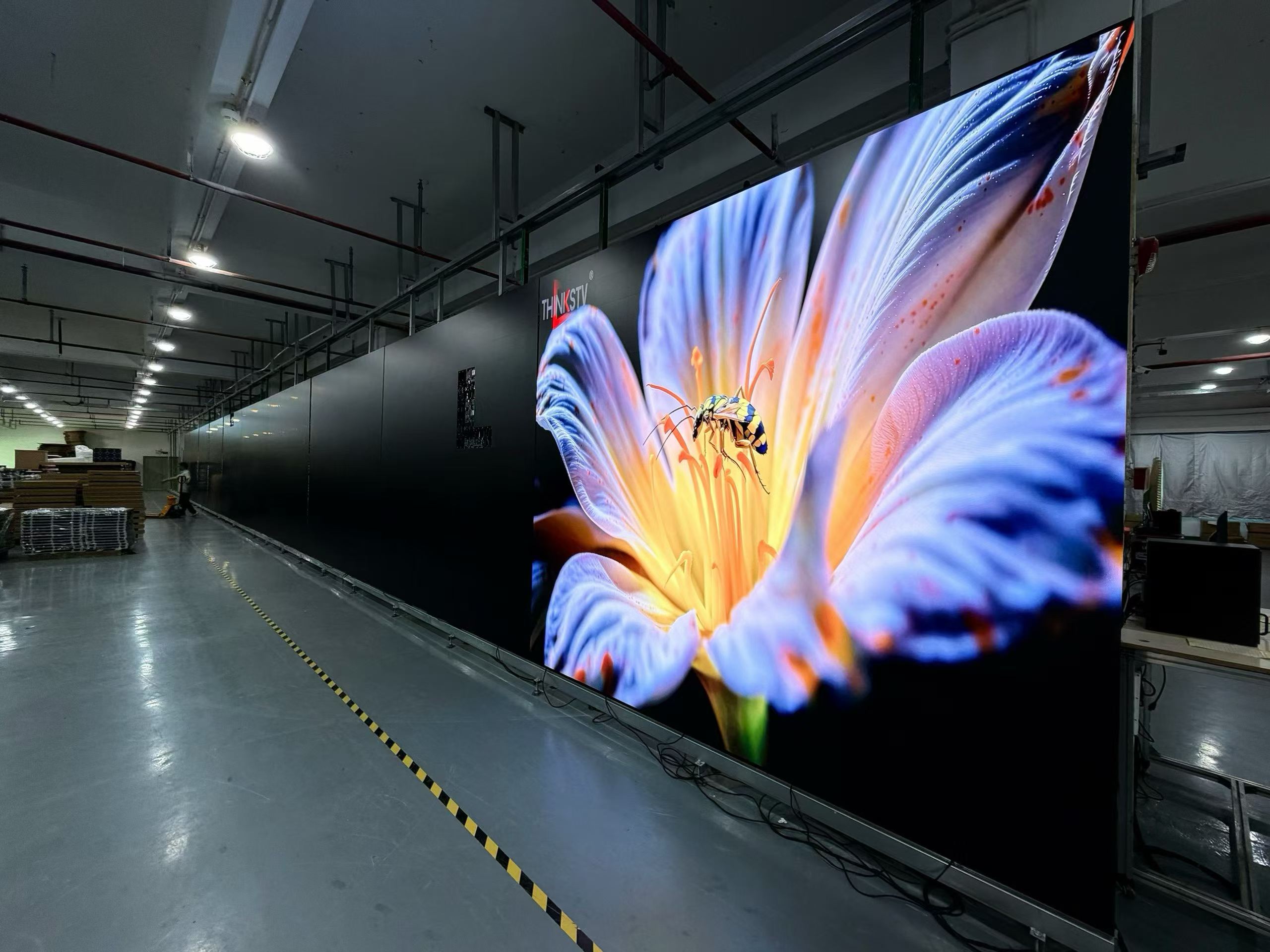
Installing and pre-wiring LED relief texture screens in energy centers is a systematic endeavor involving structural, electrical, signal, and environmental disciplines. The more thorough the upfront planning, the smoother the long-term operation. Stonbel, ranked among China's top ten LED display manufacturers, holds 3C, CE, FCC, ISO14001, ISO9001, and ROHS certifications, plus military and confidential project qualifications, with service coverage across 31 provinces. Clients such as Huawei, Peking University, and Peking Union Medical College Hospital attest to our reliability. For upcoming projects, we recommend consulting with our professional team to ensure your energy center LED relief texture screen delivers full value.