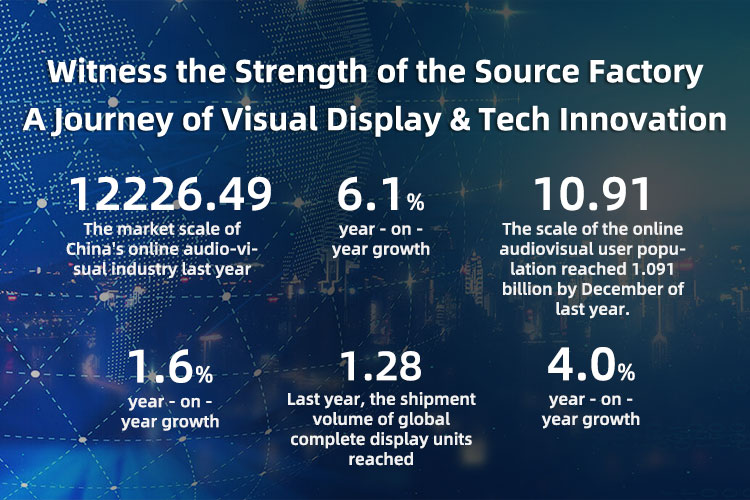
In modern government, enterprise, and education settings, conference room all-in-one machines have become core devices for boosting communication efficiency and cutting collaboration costs. Statistics show that after deployment, meeting preparation time can be reduced by 40%, and cross-floor collaboration efficiency improves by 55%. However, installation and pre-wiring are key to unlocking full potential. Stonbel, a leading LED/LCD commercial display manufacturer, offers a full product line from P0.7 to P1.8 COB fine-pitch, P5 textured screens, and 65-180 inch conference all-in-one machines, with service coverage across 31 provinces. This article provides a data-driven analysis of installation and wiring essentials based on real project experience, offering practical technical guidance for integrators and end users.
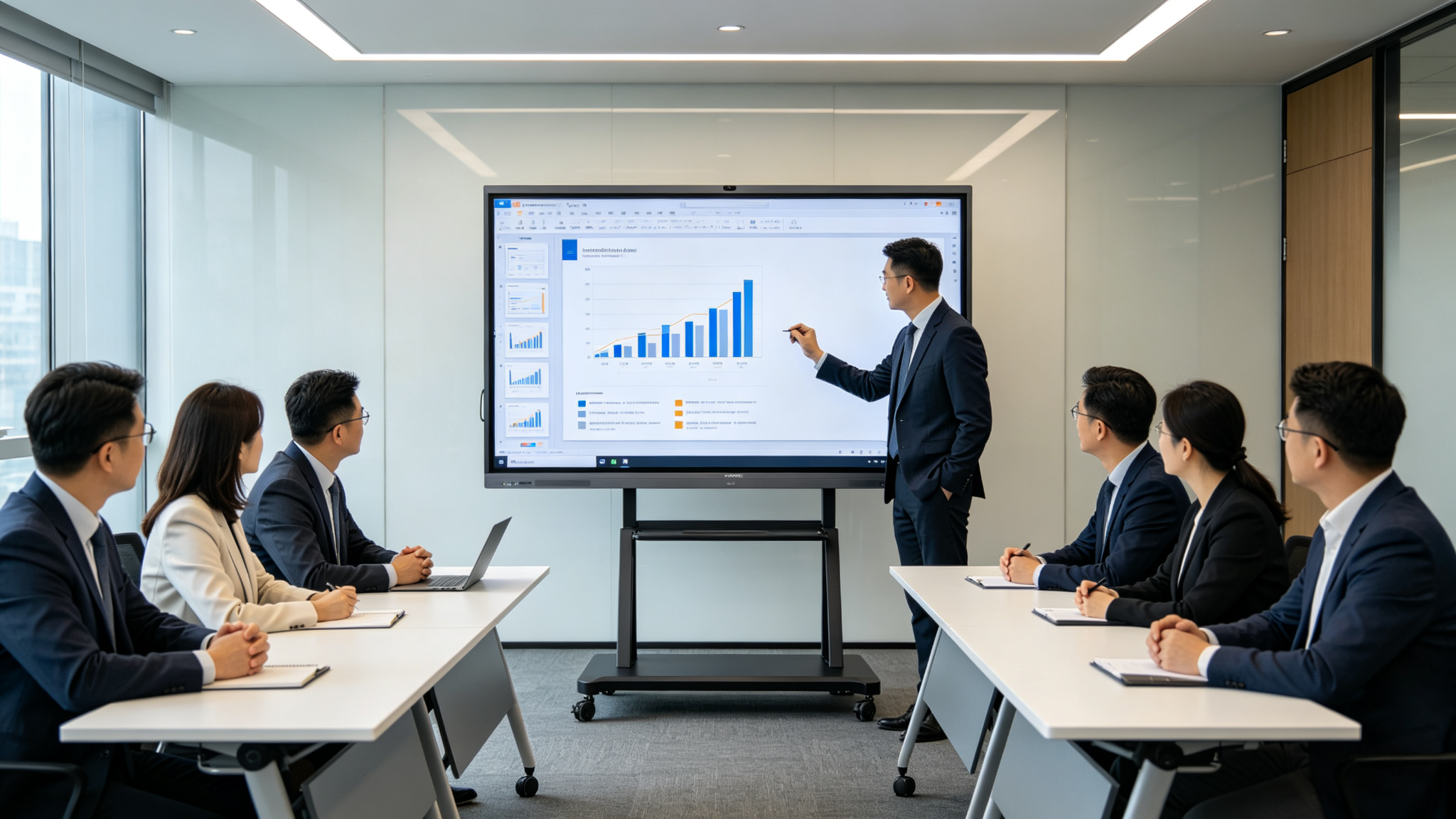
Core Project/Product Data
For large conference centers, such as the LED textured screen decoration project at Atlantis Sanya Resort, the outdoor high-humidity, high-salt environment demands higher equipment protection ratings. This project utilized P5 pitch textured screens with IP54 protection, paired with intelligent control modules for mobile app and voice control. This highlights that for conference room all-in-one machine installation, appropriate protection levels must be selected based on the environment, and terminal connections require waterproofing and moisture-proofing. Furthermore, specifications like 16-bit grayscale and NTSC≥110% color gamut require signal transmission links with high
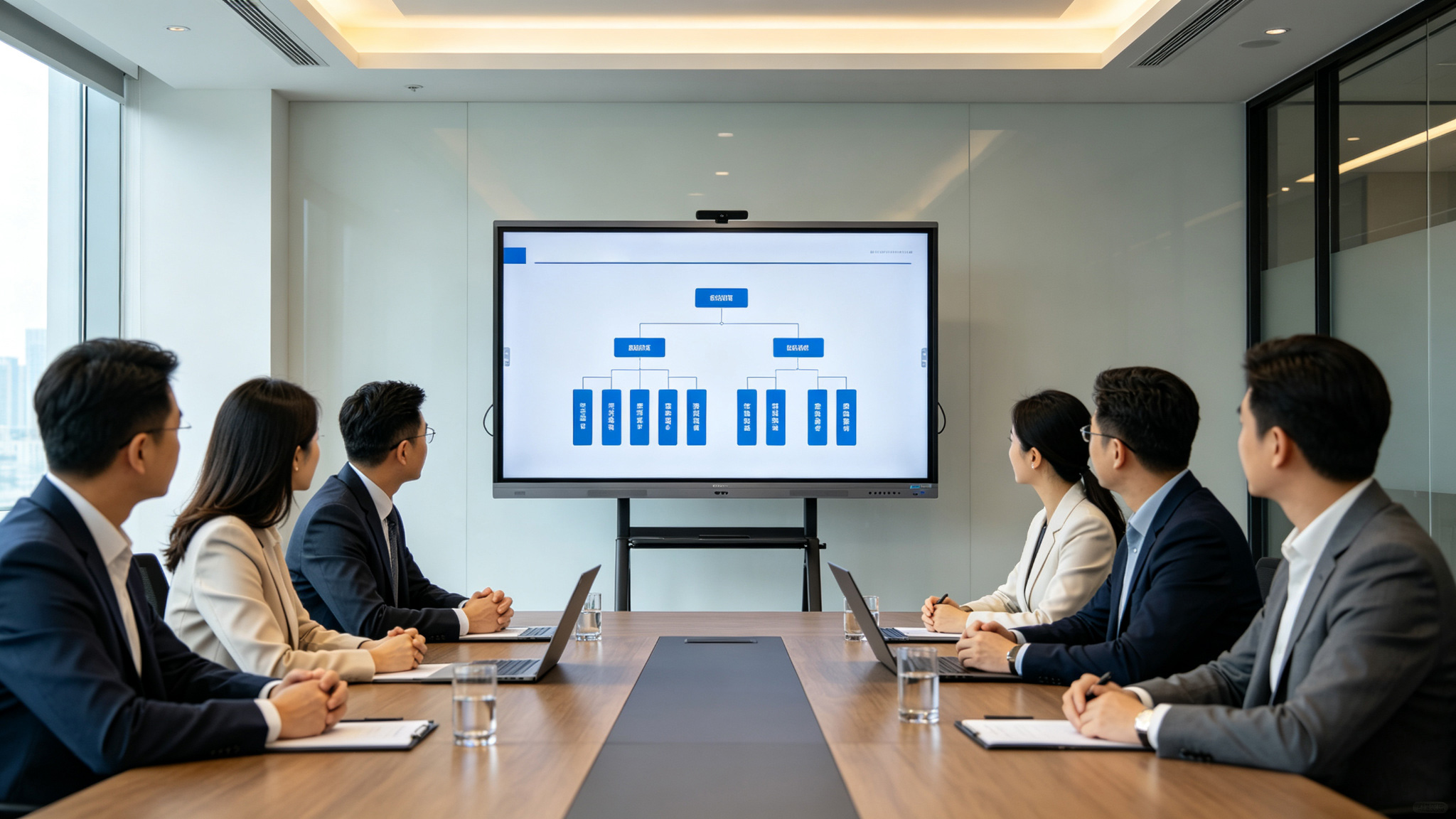
Implementation Results
In the chain retail industry, a brand deployed 55-inch smart conference all-in-one machines across 3000 stores nationwide, with the headquarters training center equipped with 110-inch LED models. This reduced the new product training rollout cycle from 15 days to 3 days, achieved 100% training coverage, improved operational standard consistency by 75%, and cut offline store inspection costs by 68%. In this scenario, store installation requires lightweight design and easy maintenance. The devices are slim and suitable for various office settings, but network cabling must support the concurrent traffic of HD video training.
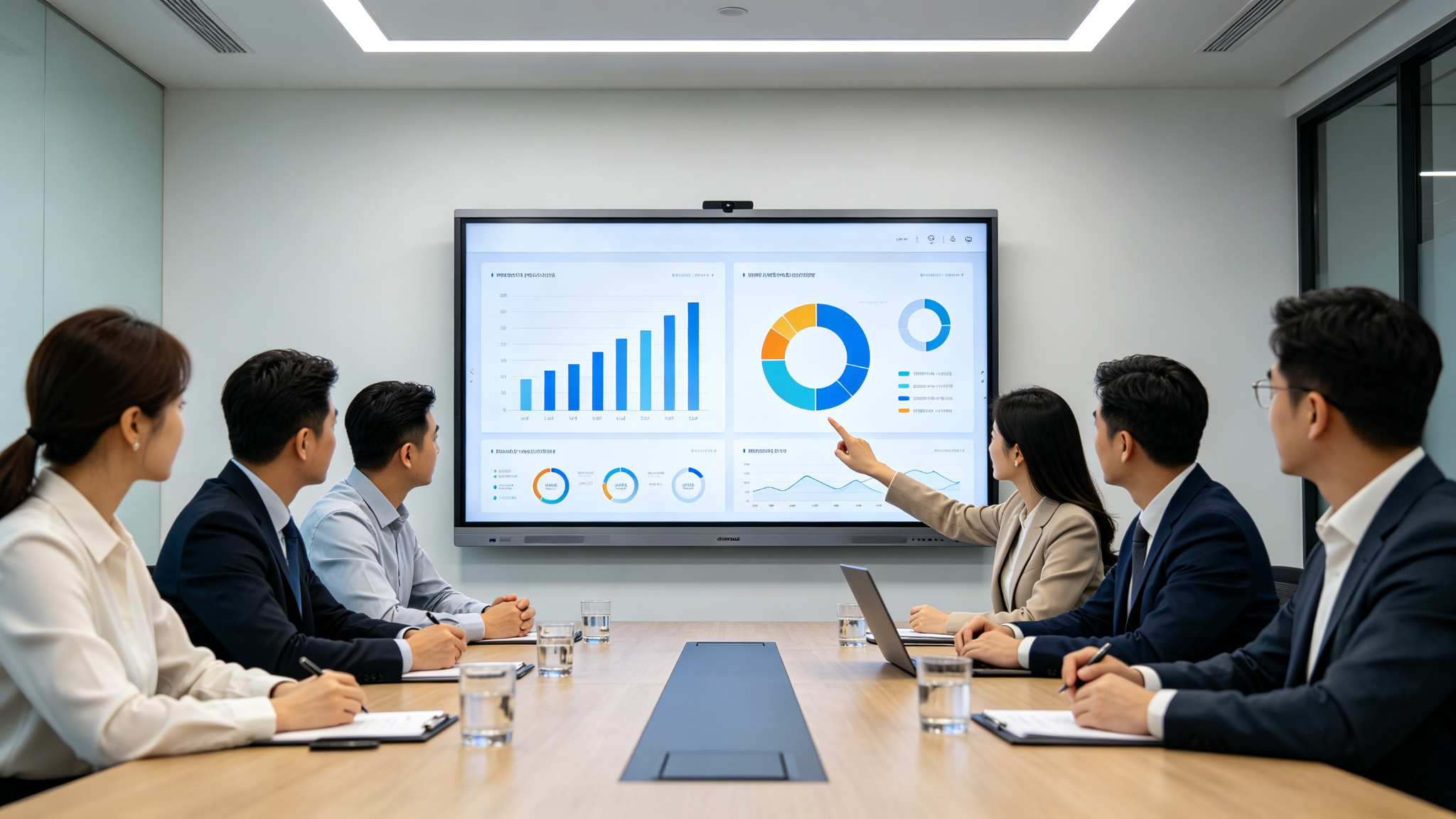
Customer Value
For education users, the installation of conference all-in-one machines (in smart blackboard form) must balance teacher operational convenience with student visual comfort. In the Sun Yat-sen University project, the devices feature built-in subject resource libraries and remote teaching research systems, lowering the operational barrier for teachers and reducing maintenance costs by 50%. This value stems from pre-reserved network interfaces and central control linkage lines during initial cabling, allowing quick switching between multimedia teaching and remote connection modes. During installation, we also focused on maximizing eye protection features. The 4K ultra-HD panel with anti-glare coating requires reasonable
Future Plans
For after-sales service, Stonbel will leverage ISO9001 and ISO14001 systems to establish digital archives for installation projects, recording cabling routes, interface configurations, and maintenance history for each device to facilitate rapid troubleshooting. For the education sector, we plan to release update packages for our smart classroom total solutions, including firmware upgrades and cabling expansion guides. For government and enterprise clients, we will offer regular inspection services to check power stability and signal attenuation, preventing display anomalies caused by cable aging. All inspection data will be uploaded to the management system, allowing clients to view device health status in real-time via a mobile app. Furthermore, we are collaborating with partners to build an installation certification system to cultivate
Q1: What are the key points for initial cabling during conference all-in-one machine installation?
A: Initial cabling requires separating strong current from weak current to avoid signal interference. Power lines should have independent circuits, using copper core wire of 2.5mm² or larger, equipped with a voltage stabilizer or UPS to prevent voltage fluctuations from damaging equipment. Signal lines like HDMI and network cables should be high-quality, supporting 4K@60Hz transmission. HDMI 2.1 cables are recommended, offering 48Gbps bandwidth to ensure lossless transmission of 16-bit grayscale and NTSC≥110% color gamut signals. Reserve spare lines and access points for future maintenance; it's advised to reserve 20% redundant length for signal lines and keep access point spacing under 15 meters. Stonbel recommends configuring wire gauge based on device power consumption (e.g., LED models with 300-1000cd/㎡ brightness); higher
Q2: How long does the installation period typically take for conference all-in-one machines?
A: The installation period depends on device size and site complexity. Based on Stonbel's experience, 65-86 inch LCD models in standard meeting rooms typically take 1-2 days, including wall mount installation, cable connection, and basic debugging. LED models over 120 inches require 3-5 days, including steel structure reinforcement, screen splicing, and calibration. LED models use modular splicing, requiring brightness and color calibration for each module to ensure screen uniformity. For large projects like the 65 classrooms at Sun Yat-sen University, overall construction takes about 2 weeks, but can be done in phases to minimize impact on teaching. For renovation projects involving removal of old equipment or re-cabling, the period may extend by 2-3 days. The specific timeline depends on
Q3: How is display quality ensured after installation?
A: Display quality depends on device parameters and the installation environment. Stonbel products support 16-bit grayscale and NTSC≥110% color gamut. During installation, brightness (300-1000cd/㎡) and color temperature must be calibrated to avoid glare. We recommend using professional color calibrators for per-device calibration to ensure color consistency across multiple units. Ensure ambient light is controllable. LED models with IP55 protection suit semi-outdoor environments, but for indoor installation, we recommend blackout curtains or dimmable glass to prevent strong light from directly hitting the
Q4: What signal inputs do conference all-in-one machines support, and which interfaces should be reserved during cabling?
A: Stonbel conference all-in-one machines support various inputs including HDMI, DP, USB, and network. During cabling, reserve at least two HDMI 2.0 or higher interfaces: one for the primary signal source (e.g., computer) and one for backup or video conferencing terminals. USB interfaces are for touch control and file transfer; we recommend reserving at least two USB 3.0 ports. Network interfaces are for connectivity and remote collaboration; reserve Category 6 or higher cabling supporting gigabit speeds. For wireless screen casting, ensure sufficient network bandwidth and reserve a dedicated AP
Proper installation and pre-wiring are the foundation for long-term stable operation and efficient collaboration. Stonbel, with P5 pixel pitch, 16-bit grayscale, NTSC≥110% color gamut, military-grade quality, and a 31-province service network, ensures end-to-end support for government and education clients. From BOE Chengdu's cross-floor collaboration to Sun Yat-sen University's smart classroom upgrades, data confirms that standardized wiring significantly boosts efficiency and reduces costs. We will continue to refine installation standards to drive industry normalization, making every conference room all-in-one machine a core engine for efficient work and smart teaching.